


Filters
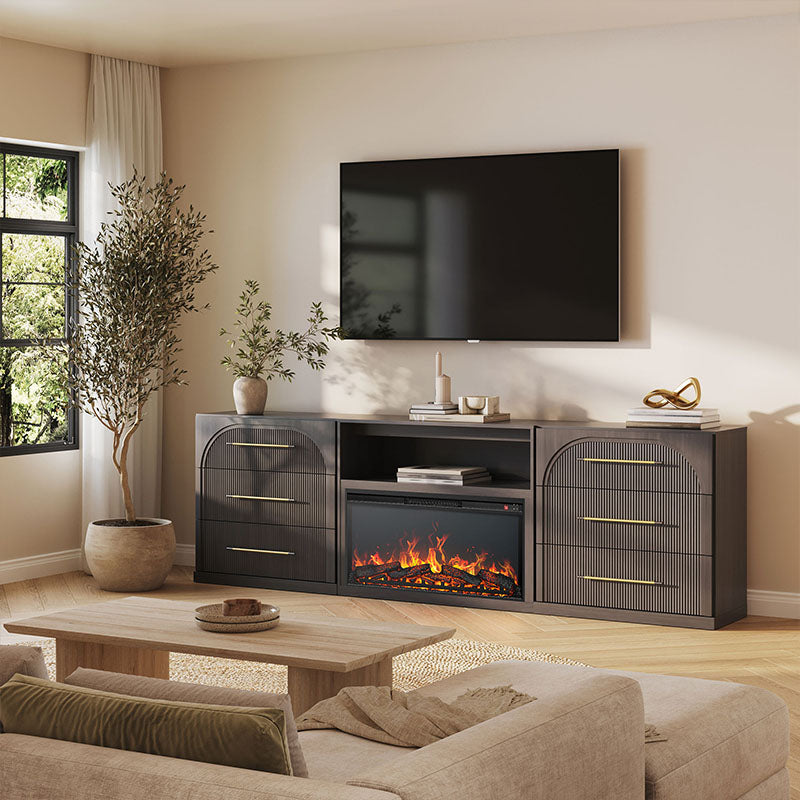
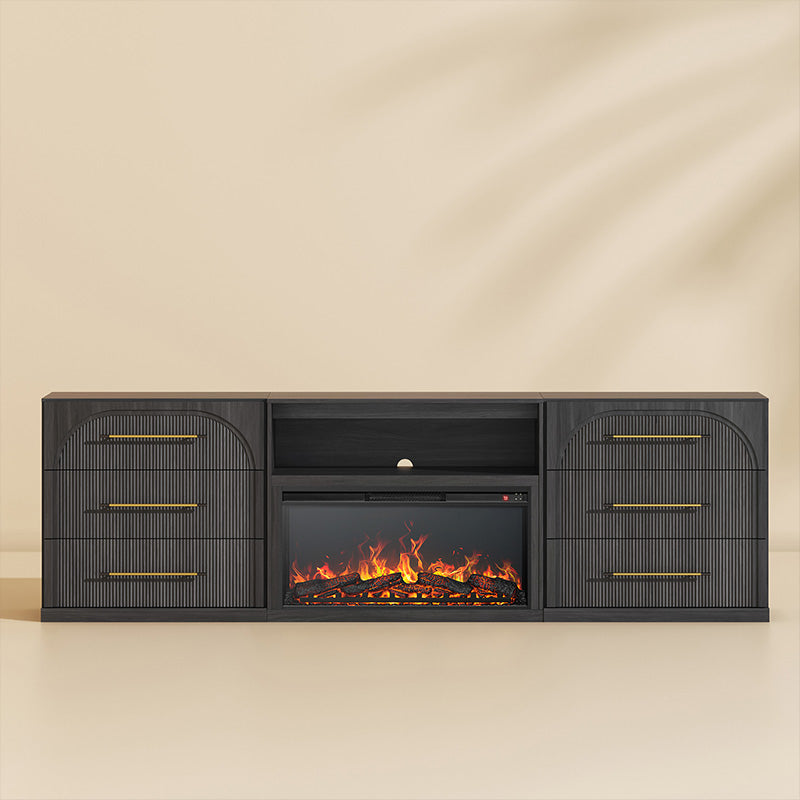
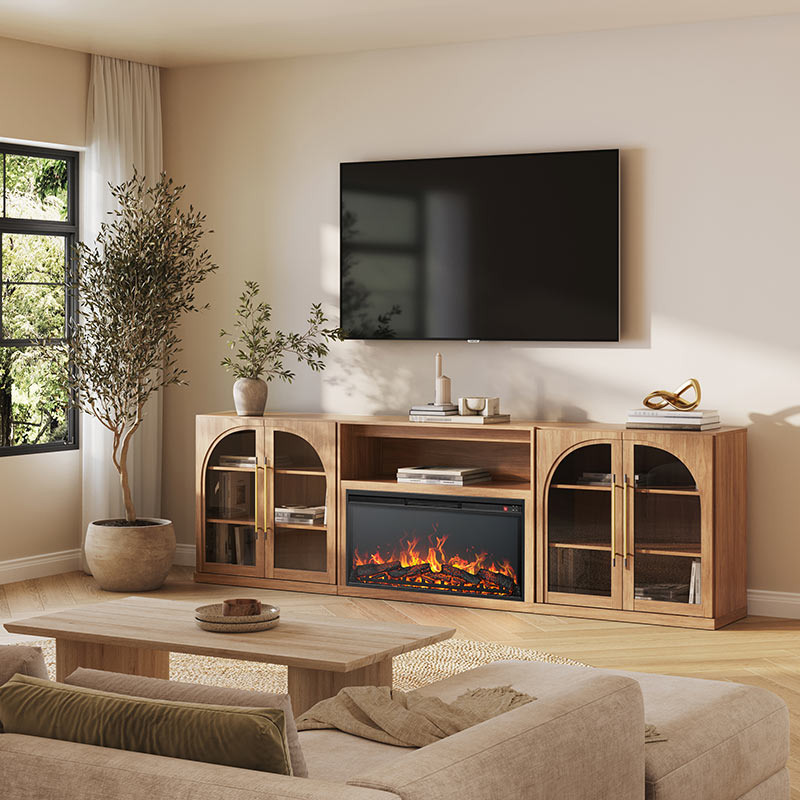
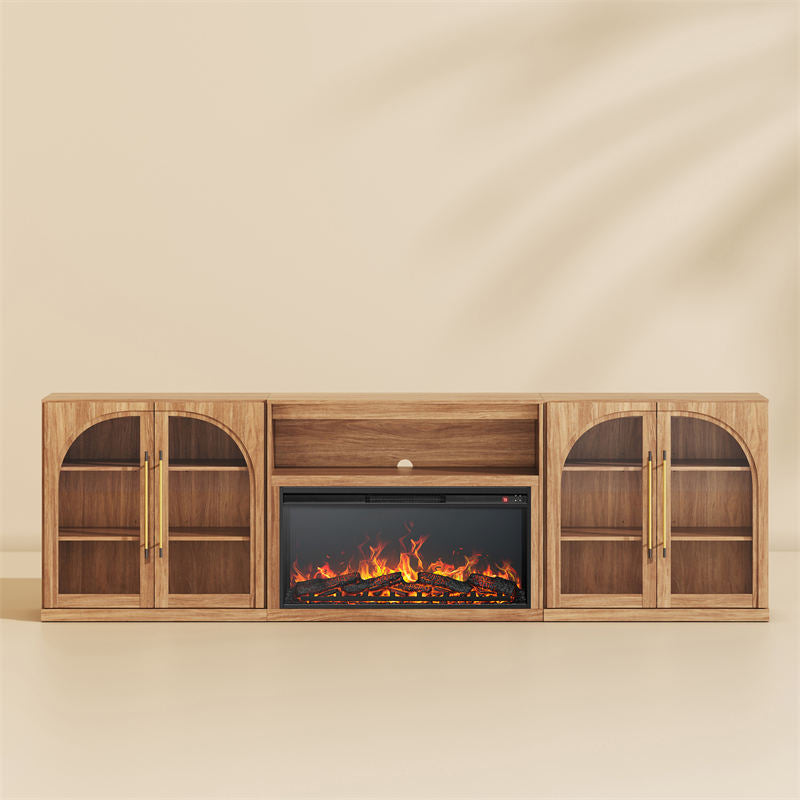
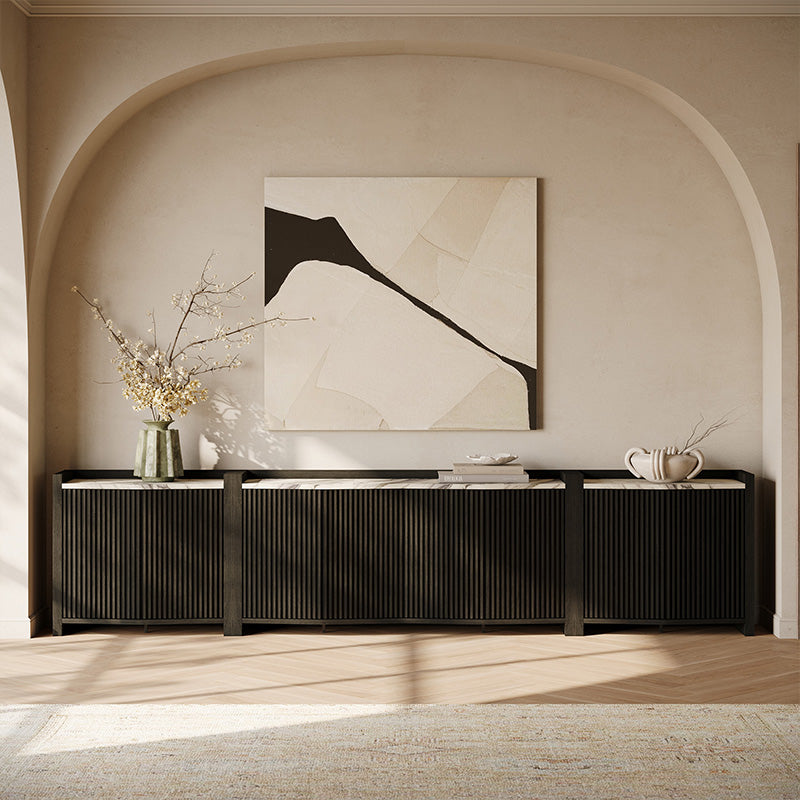
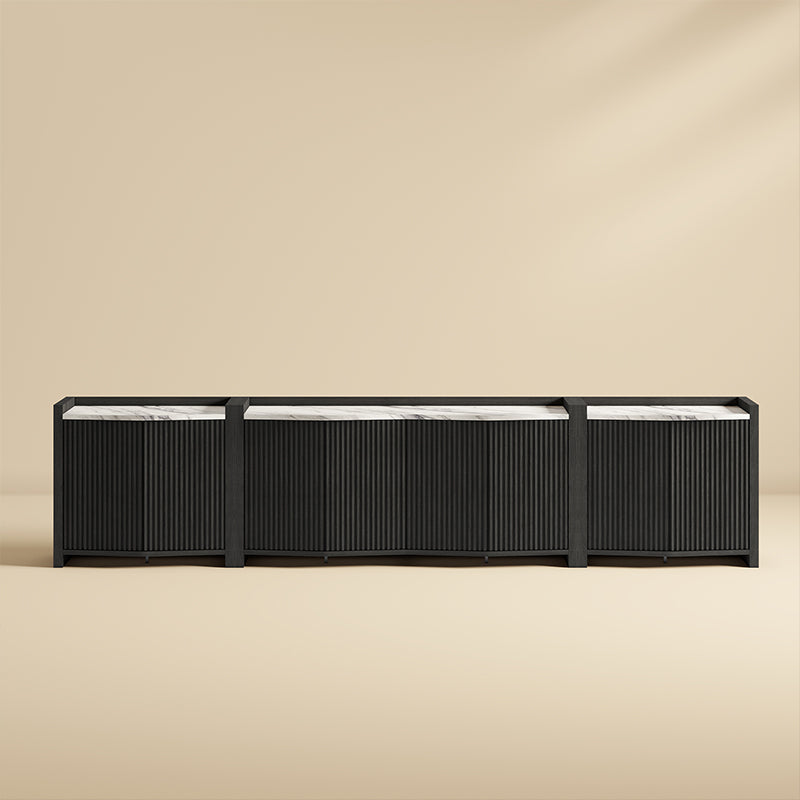
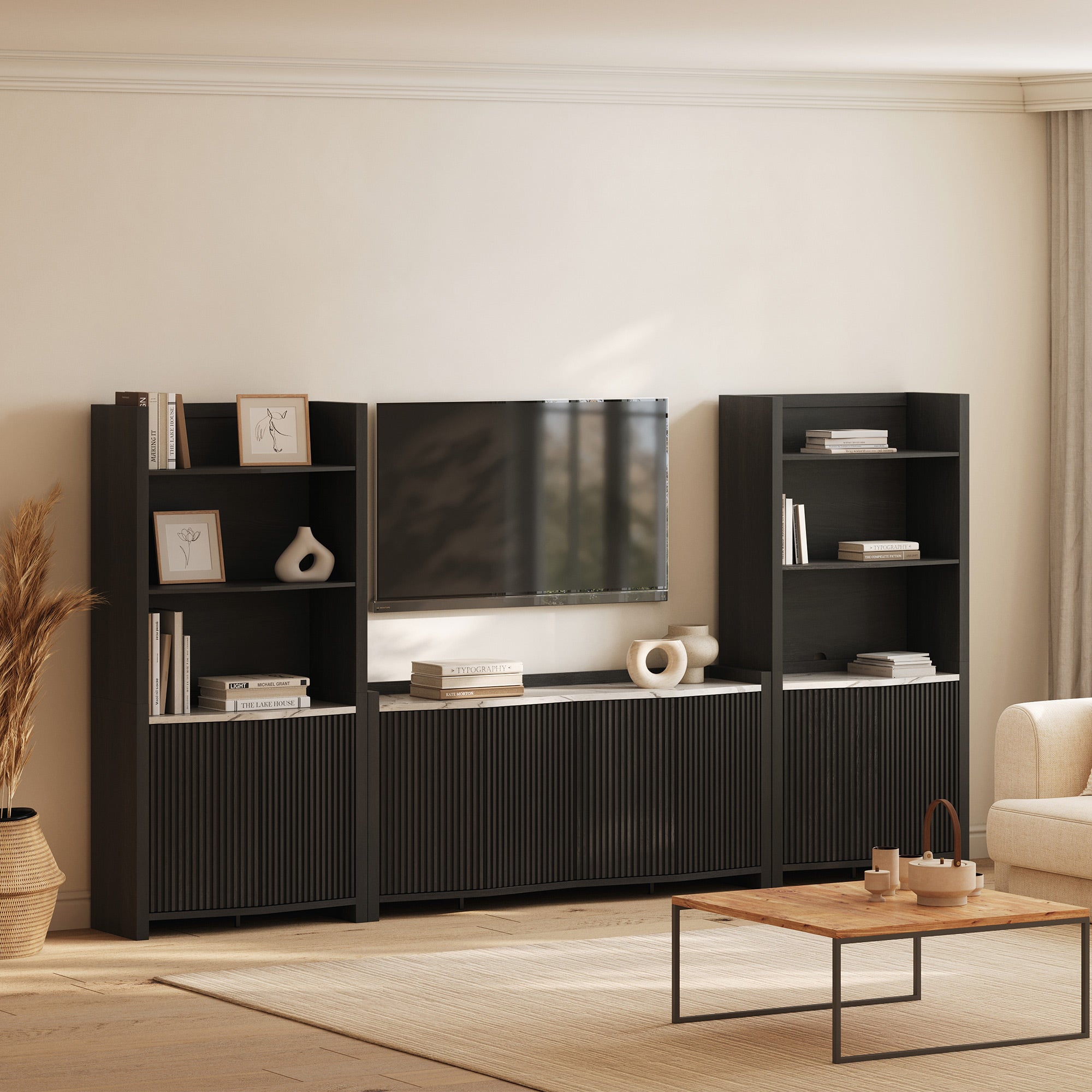
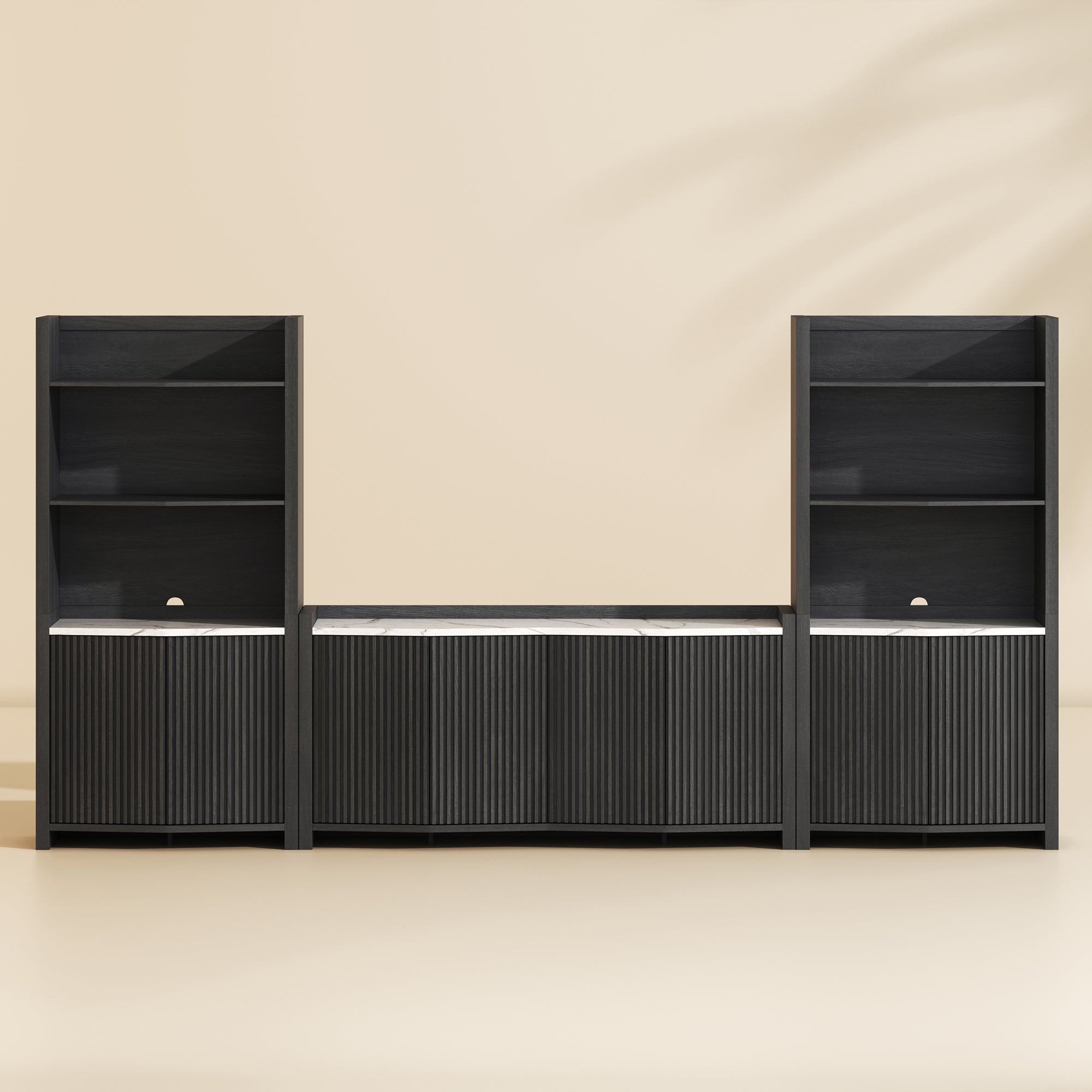
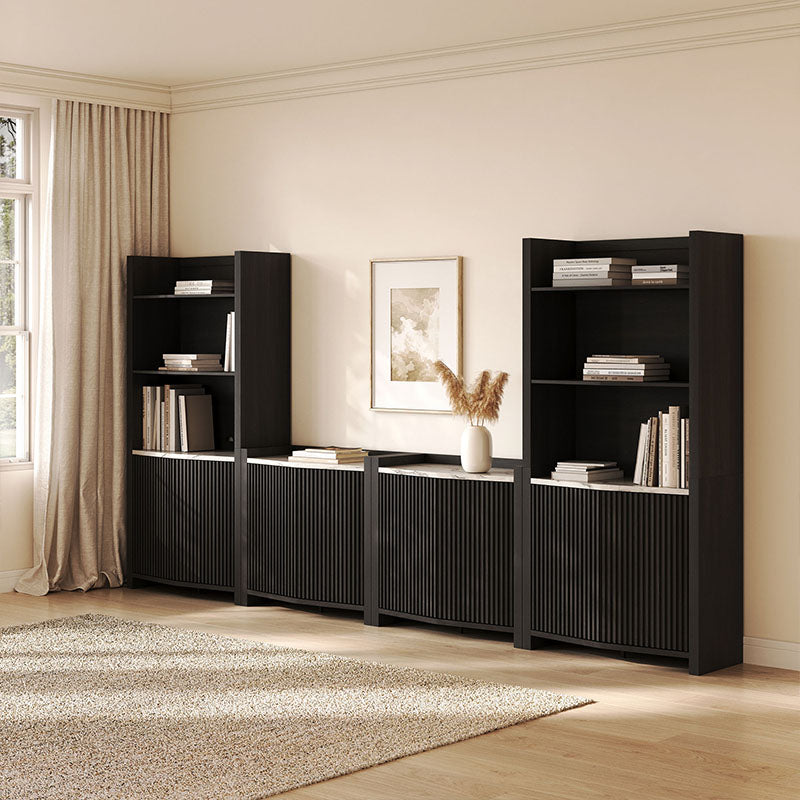
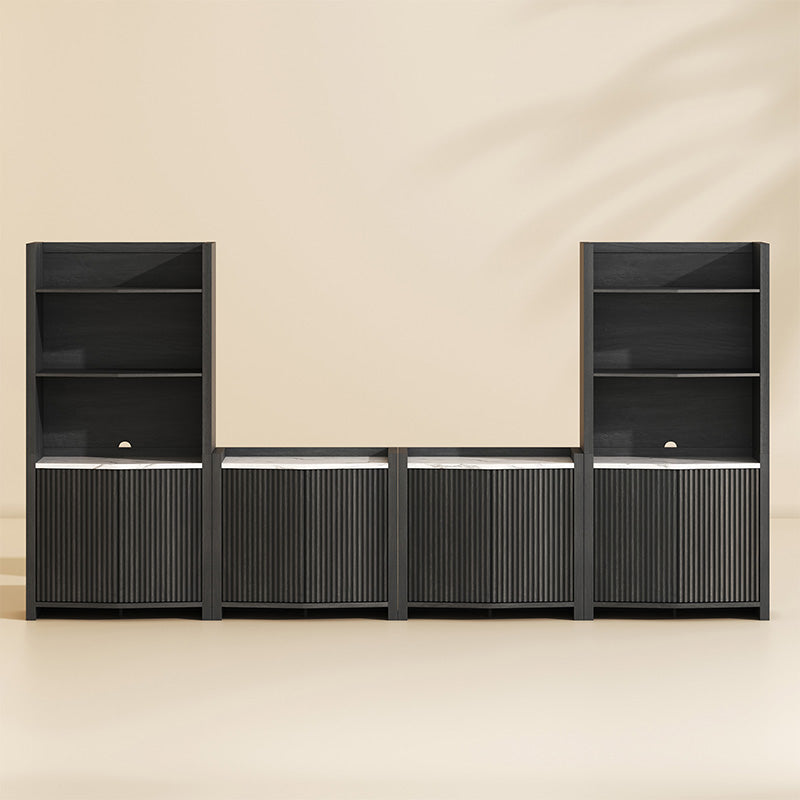
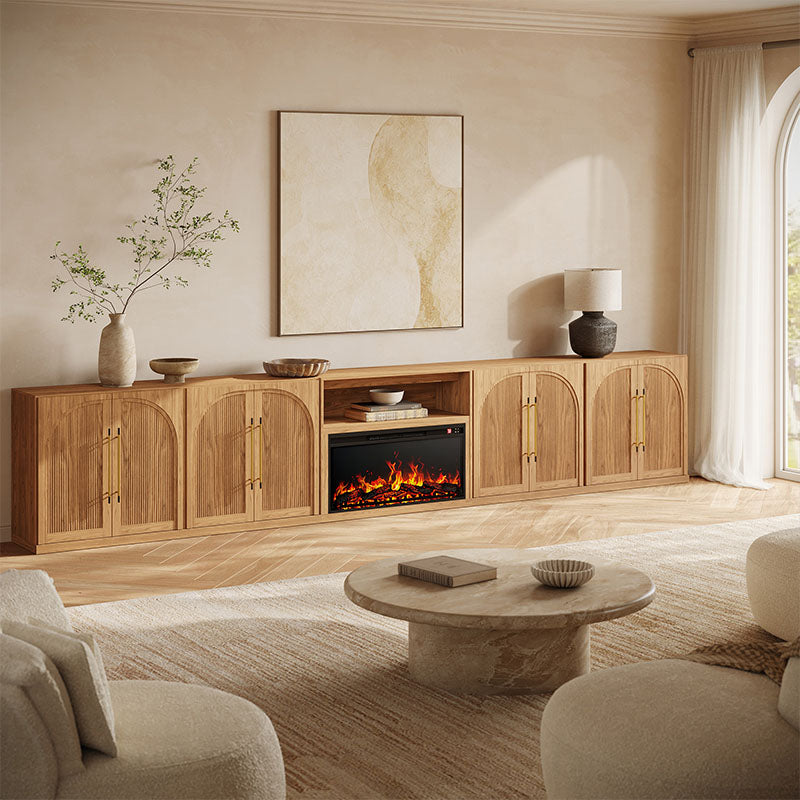
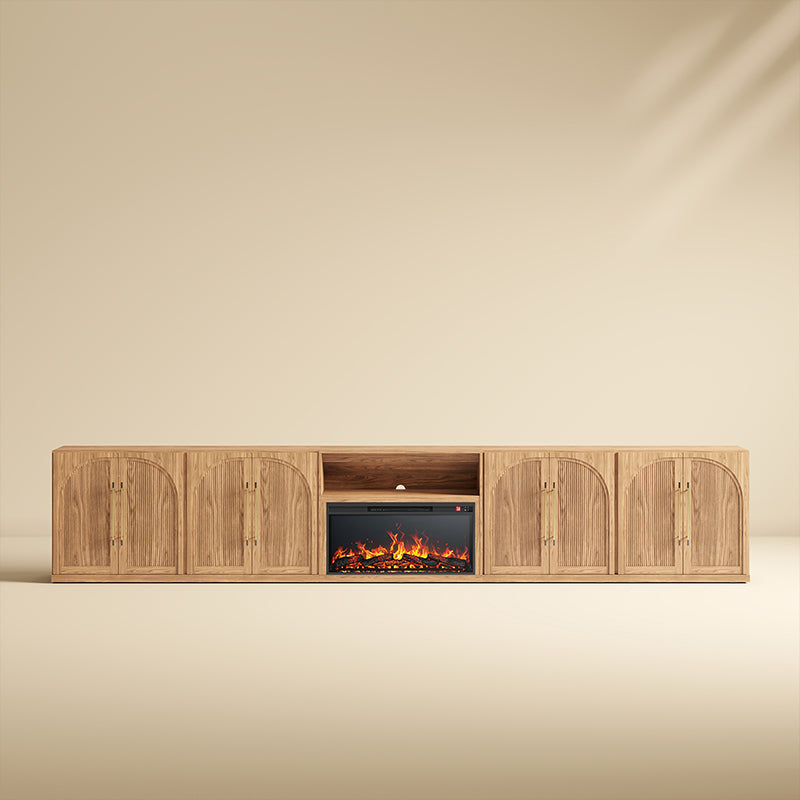
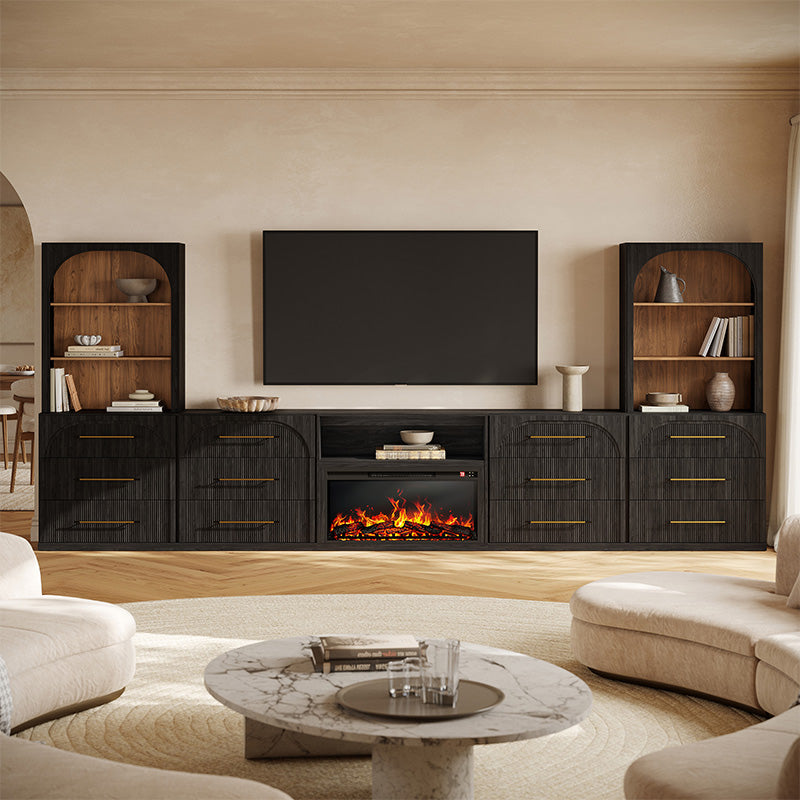
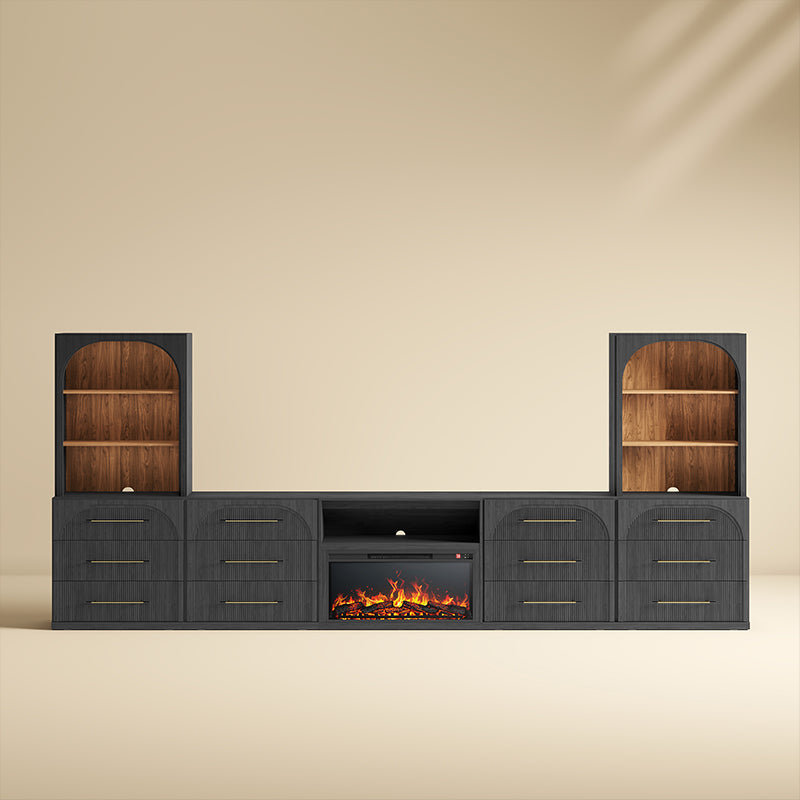
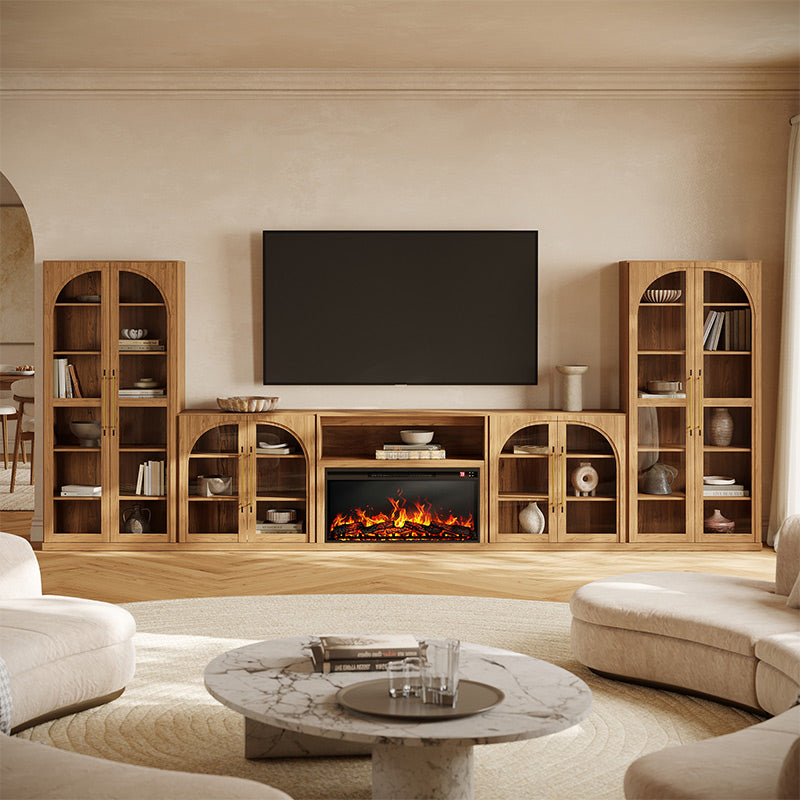
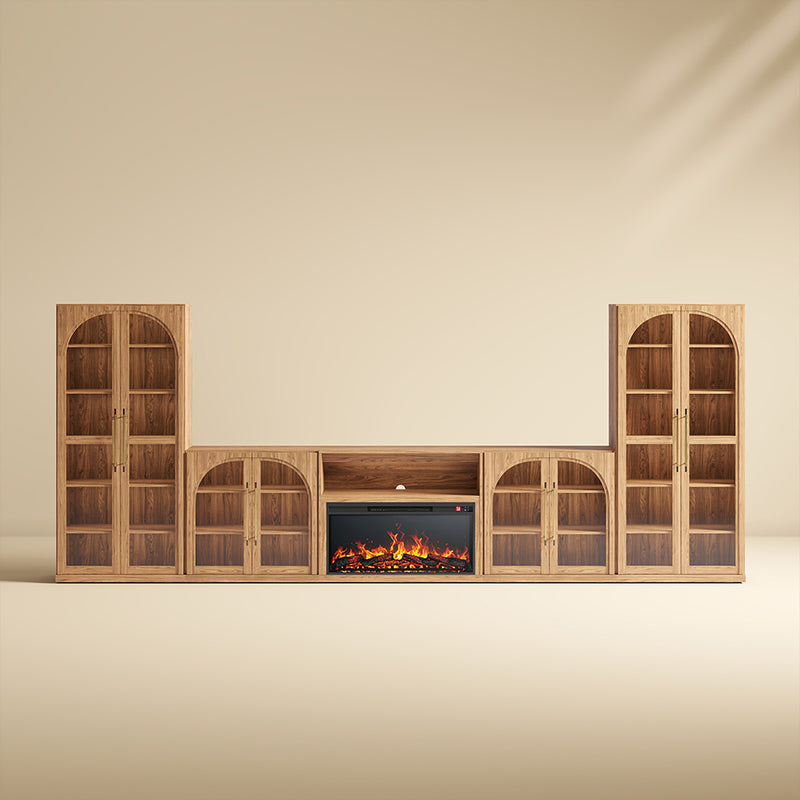
You Might Also Like

Be a Part of Our Community
Follow us on social media for the latest updates and inspiration.
How to Choose a Modular Entertainment Center
A modular entertainment center can give your TV wall more storage and a coordinated, built-in-style look without custom cabinetry. The right configuration depends on your TV size, usable wall width, storage needs, and the included modules. Compare the complete dimensions and layout of each set before choosing.
Measure the TV, Wall, and Clearances
Start with your TV's actual width, the usable wall width, and the available height. Account for baseboards, outlets, vents, doors, windows, and walking paths. Then compare these measurements with the entertainment center's overall width, depth, and height.
For a 12-foot (144-inch) wall, a 104.8-inch modular fireplace TV stand leaves more space around the furniture than a 130-inch wall unit. A 169.8-inch arrangement would exceed the wall's width. If you have an 85-inch TV, check the manufacturer's TV-size recommendation, the available space between tall cabinets, and whether the TV will be wall-mounted or placed on a console. Overall furniture width alone does not establish TV compatibility.
Compare Included Modules and Storage
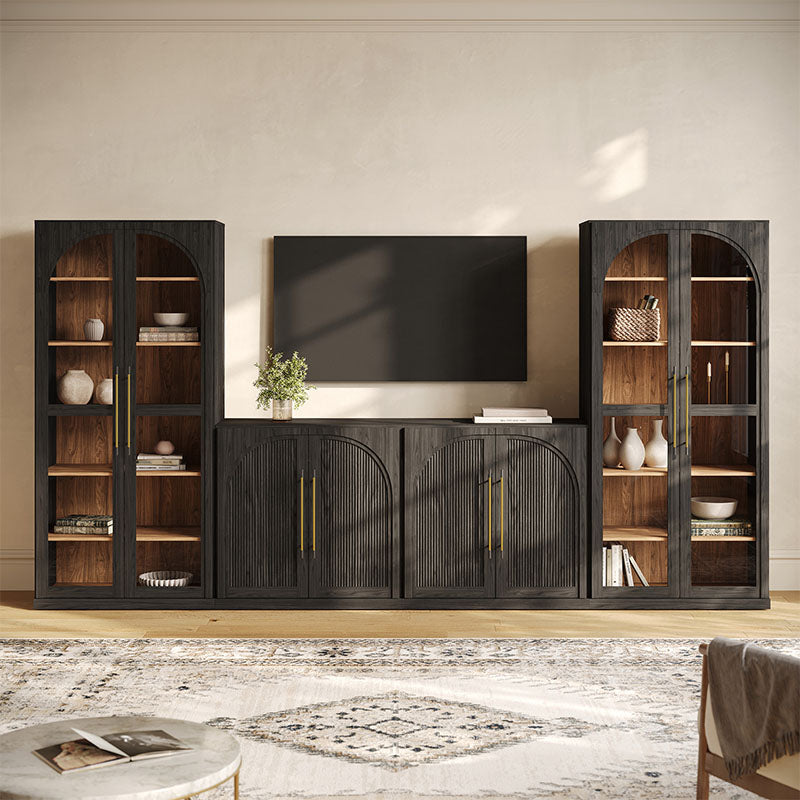
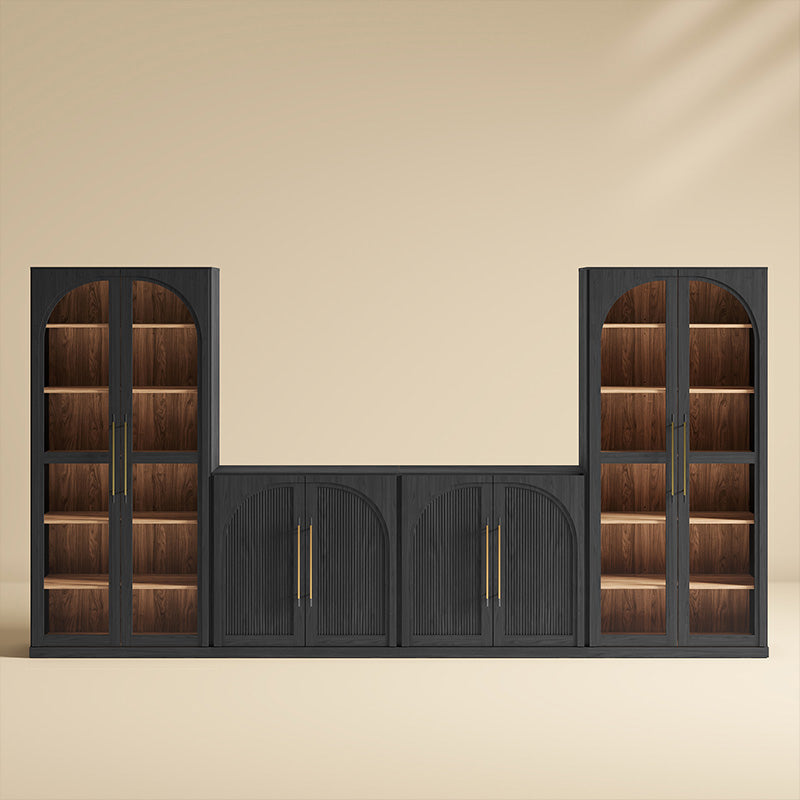
A 3-piece entertainment center is not automatically smaller than a 4-piece or 5-piece set. Some configurations combine low cabinets, while others include tall display units, hutches, drawers, or an electric fireplace.
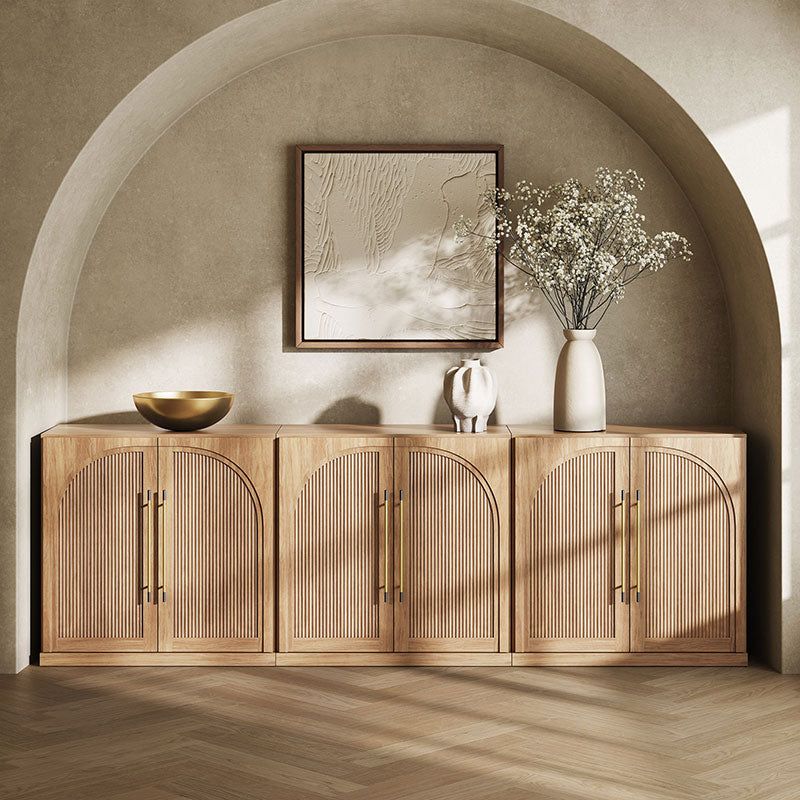
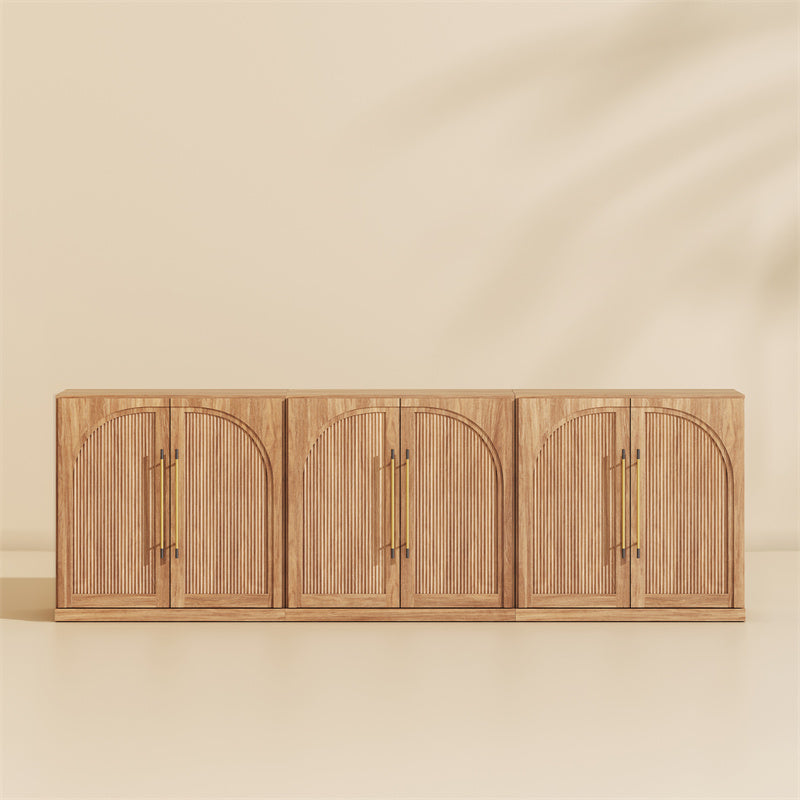
Choose closed-door cabinets to conceal games, cables, and everyday clutter. Open shelves and glass-door cabinets work better for books, decor, and collectibles. Check internal shelf dimensions and ventilation before placing a game console, receiver, router, or speaker inside.
Compare Belleze Modular Entertainment Center Options
Belleze offers modular TV wall units in several configurations, from lower fireplace consoles to larger arrangements with matching storage and display cabinets. The options below illustrate how overall dimensions and included pieces affect your choice.
| Model | Overall Width | Included Modules | Best For |
|---|---|---|---|
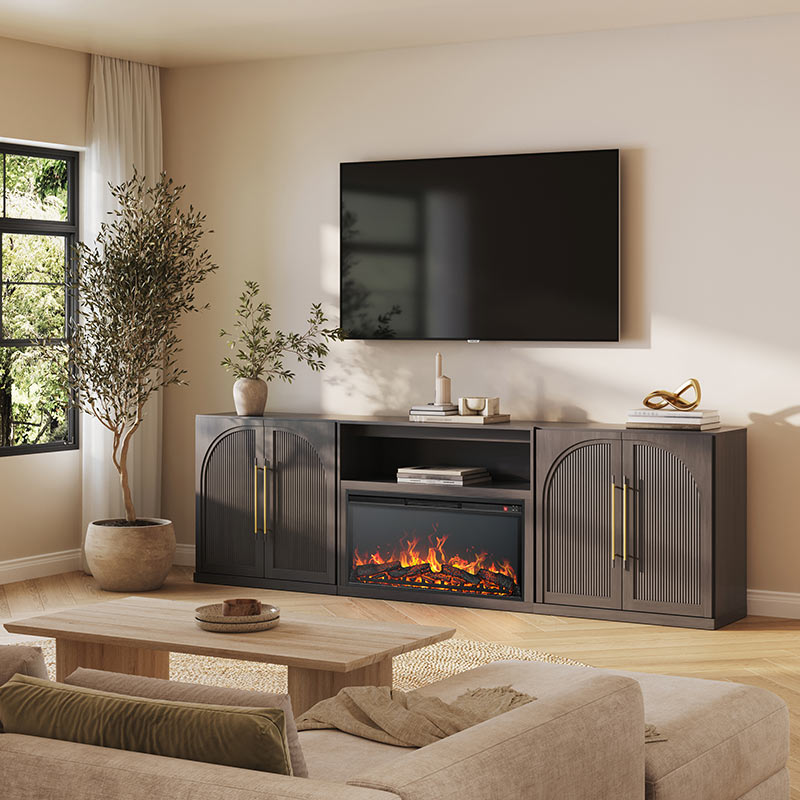
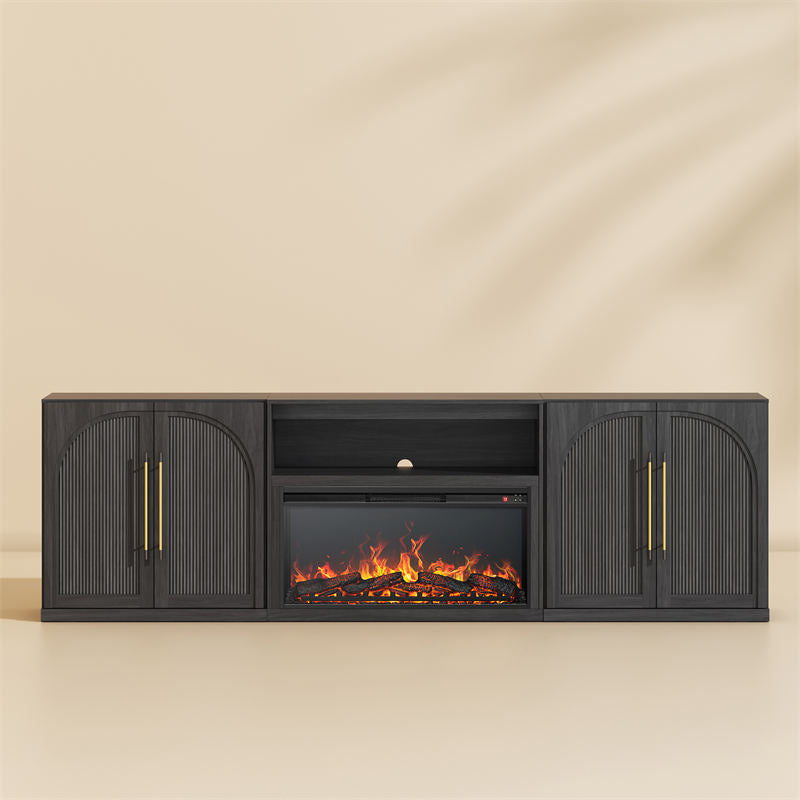
| Jagger 105" 3-Piece Fireplace TV Stand | 104.8" | 1 fireplace cabinet + 2 wood-door side cabinets | A lower fireplace TV wall with concealed storage and a wall-mounted TV layout |
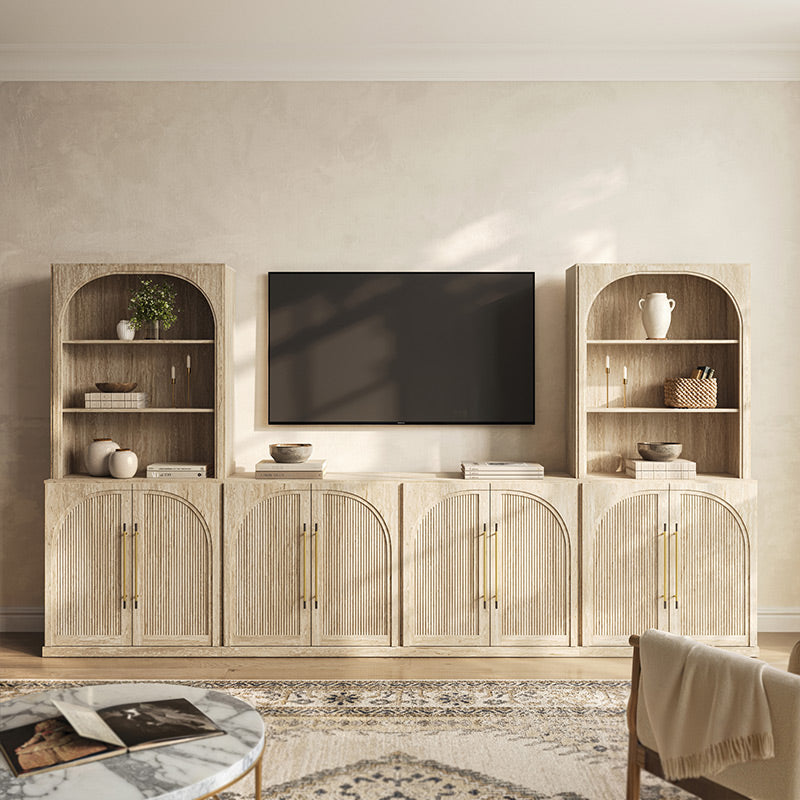
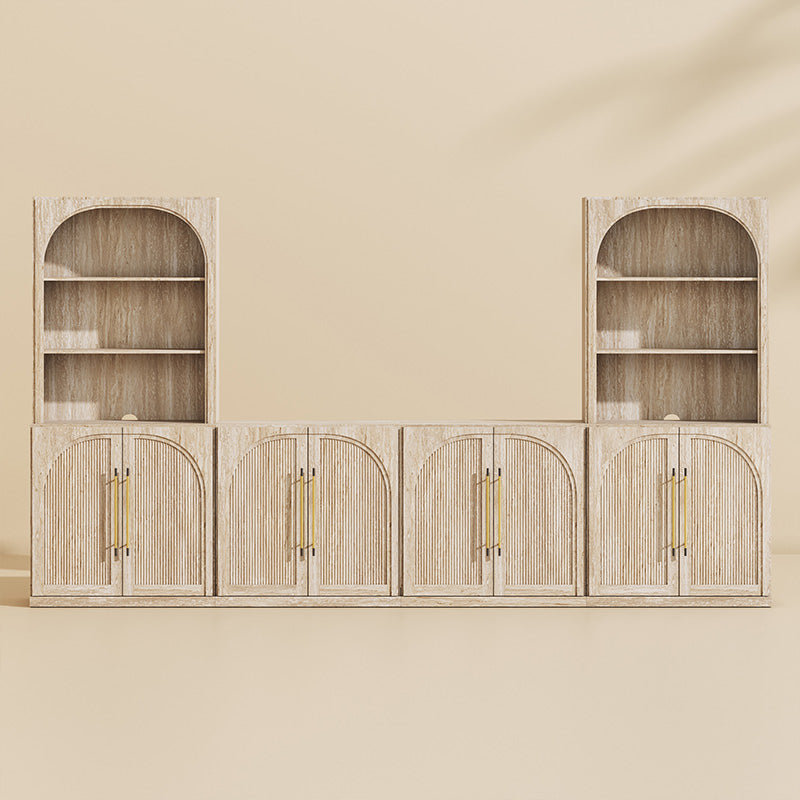
| Jagger Wood Door Entertainment Center (6-Piece) | Approx. 130"* | 4 wood-door sideboards + 2 matching hutches | A wide media wall with both open display shelves and closed storage |
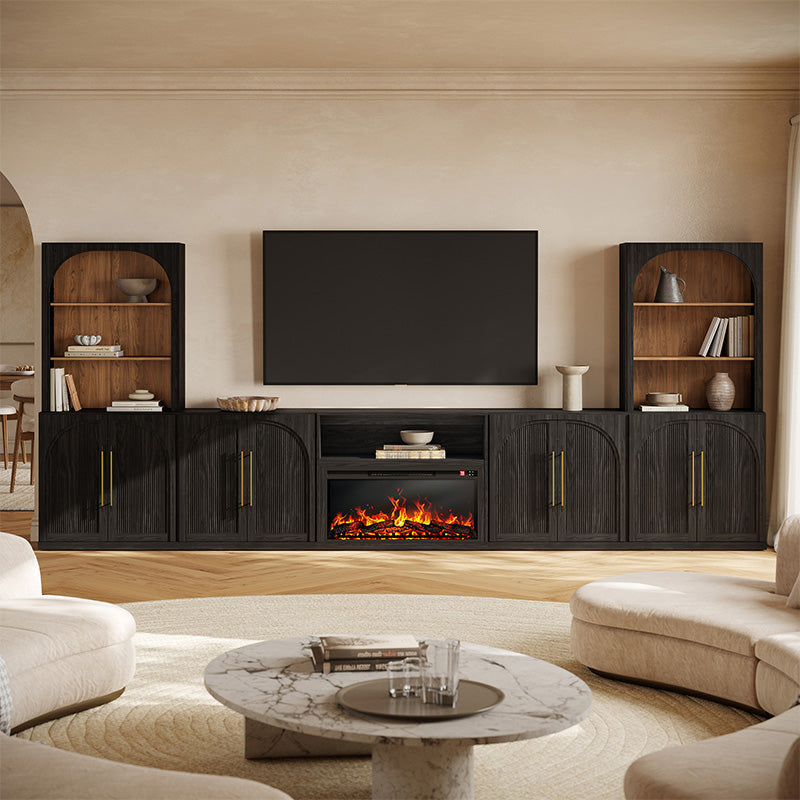
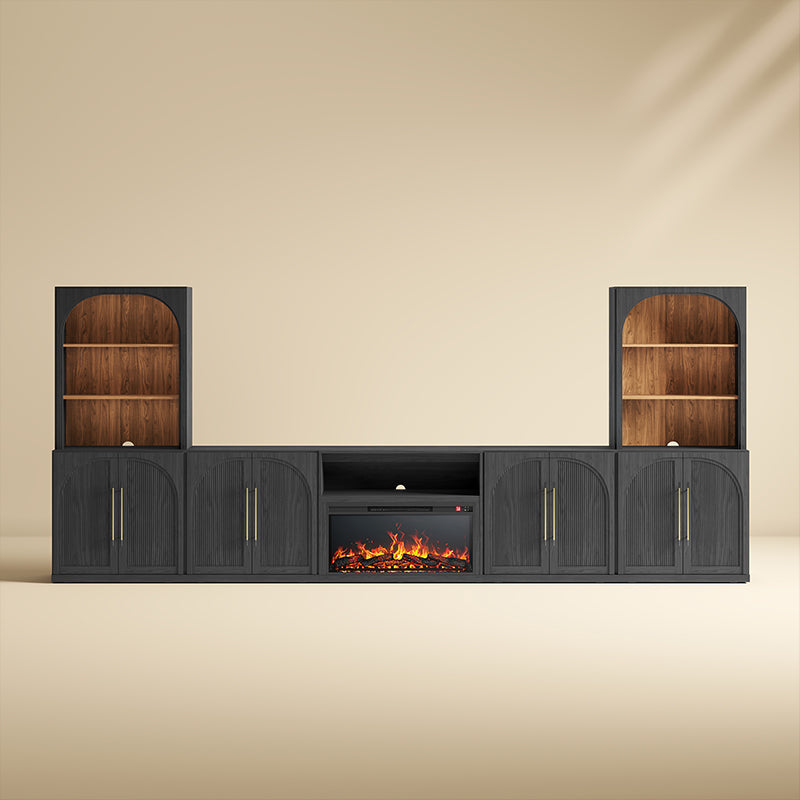
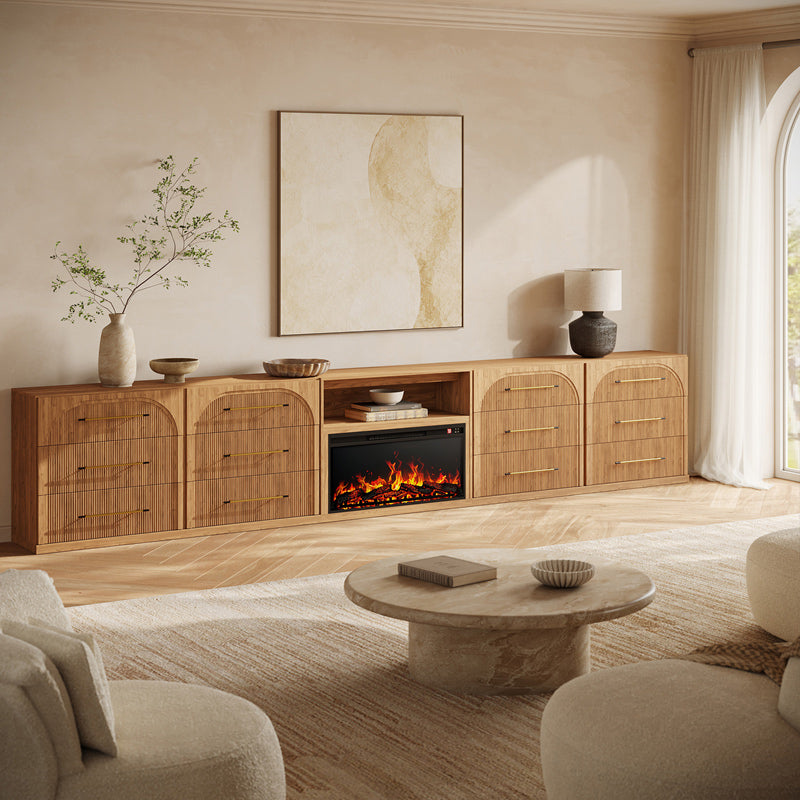
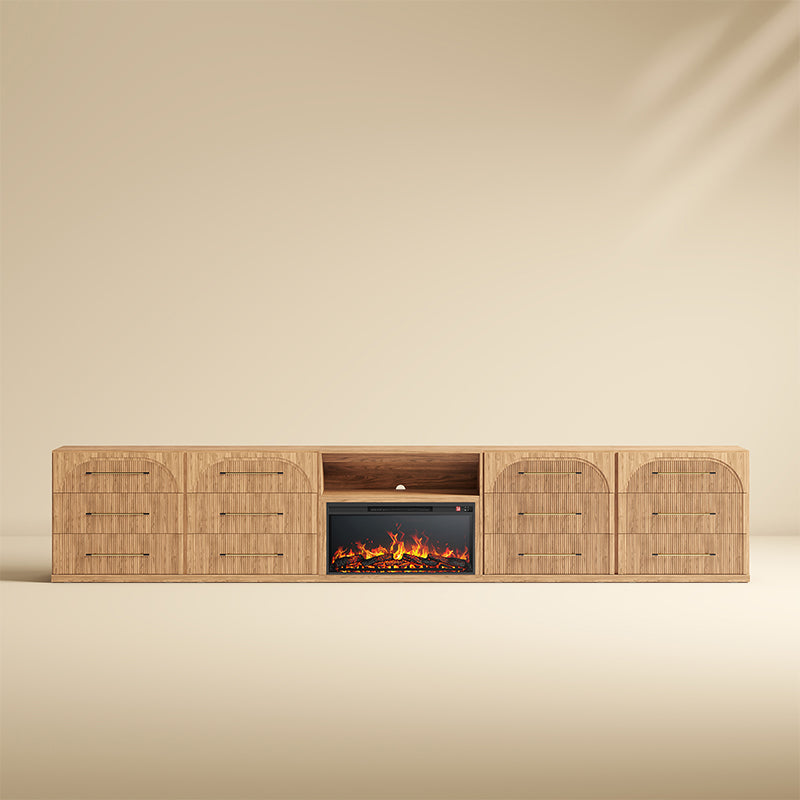
| Delphi Fluted Entertainment Center (5-Piece) | 136.4" | 1 center media console + 2 side cabinets + 2 hutches | A modern entertainment wall with matching tall display storage |
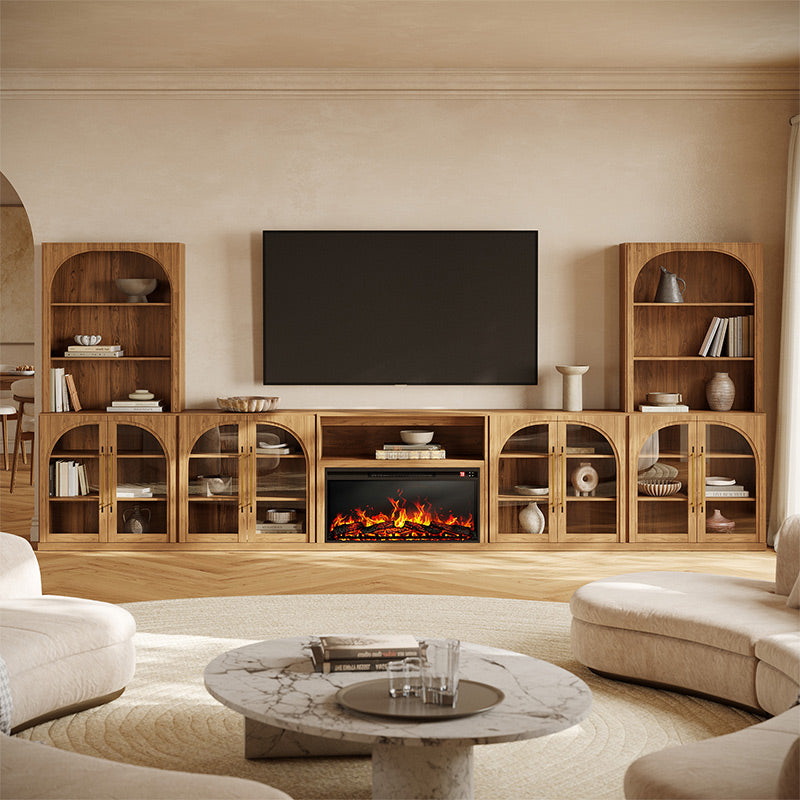
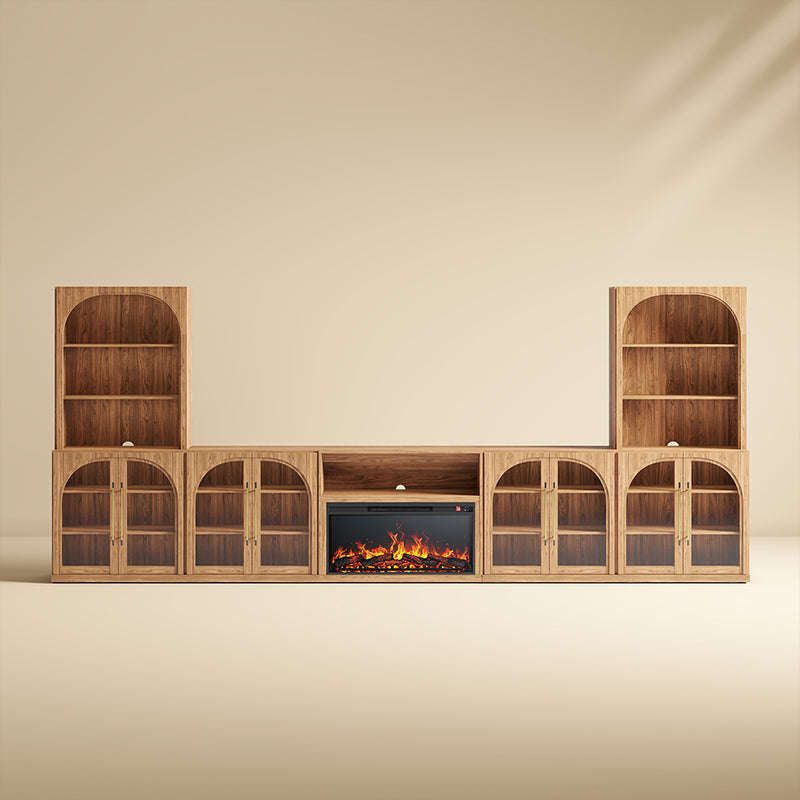
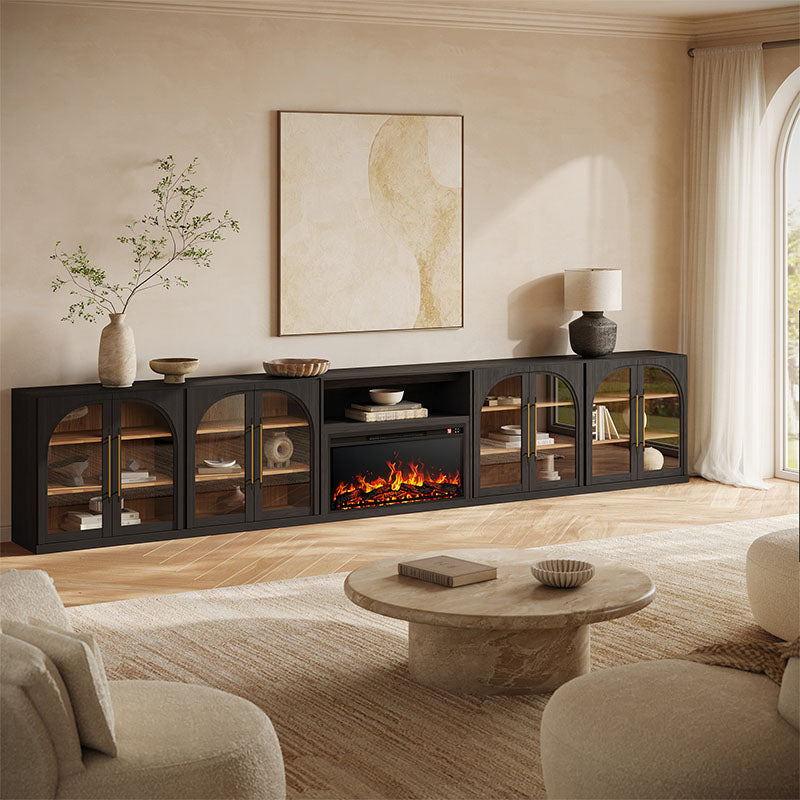
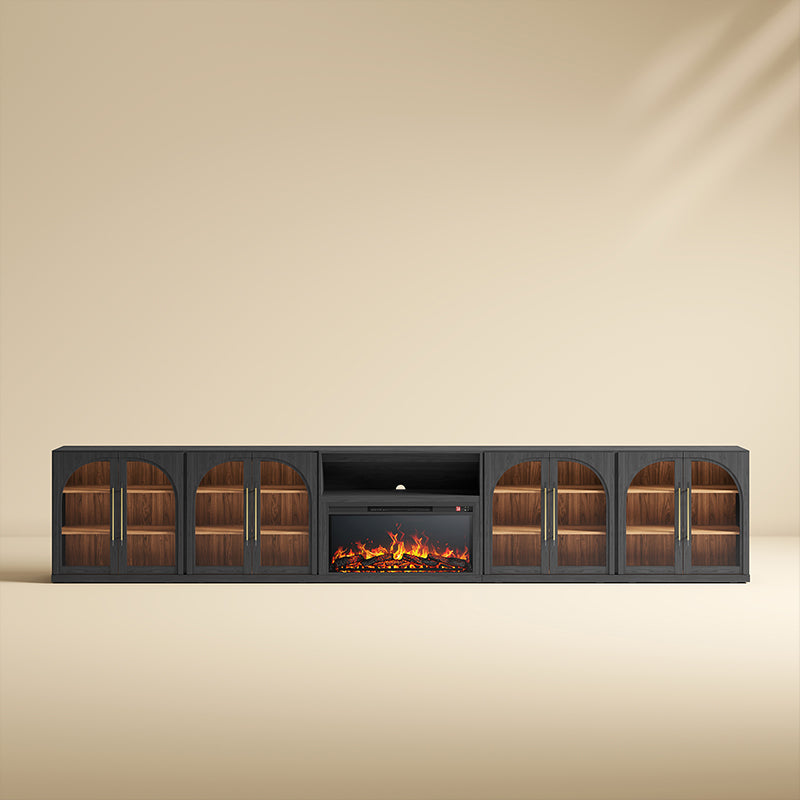
| Jagger 170" Fireplace TV Wall Unit (7-Piece) | 169.8" | 1 fireplace cabinet + 4 glass-door cabinets + 2 hutches | A large fireplace media wall with extensive display storage |
*The approximate 130-inch width is based on four 32.5-inch-wide cabinets in a straight arrangement. Confirm the complete layout and assembled dimensions on the product page before ordering.
These configurations serve different room sizes and storage needs. Check each product's current availability, included pieces, assembly requirements, and TV compatibility. A wider entertainment center does not necessarily support a larger TV, particularly when tall cabinets frame the screen.
Choose a Low Console or Wall-Unit Look
A low modular TV console works well when you want to keep the wall visually open. Choose a configuration with matching tall cabinets or upper hutches when you want a more complete, built-in-style entertainment wall.
If you want the appearance of custom cabinetry without remodeling, coordinated modular furniture can provide a similar visual structure. However, these are freestanding furniture sets rather than permanent built-ins. Leave suitable clearances around the furniture and follow the manufacturer's anchoring instructions.
Check Cable Access, Assembly, and Future Changes
Before ordering, review cable openings, ventilation, shelf dimensions, TV weight limits, and anti-tip hardware. A wall-mounted TV requires suitable wall mounting hardware, while a TV placed directly on a console must meet the product's support and weight requirements.
If you plan to rearrange or expand the entertainment center later, confirm that compatible modules are available separately and that the intended arrangement is supported by the manufacturer. Not every modular set offers the same level of flexibility.
Explore the Jagger collection for coordinated modular storage and entertainment center styles. For a simpler setup, browse all TV stands to compare individual media consoles and fireplace TV stands.
FAQ
What Is the Difference Between a Modular Entertainment Center and a Regular TV Stand?
A regular TV stand is usually one cabinet. A modular entertainment center uses a coordinated set of cabinets or display units to create a wider storage arrangement. Compare the included pieces and complete dimensions because layouts vary by product.
How Do I Choose the Right Size for My TV and Wall?
Measure your TV's actual width, usable wall width, and available height. Compare those numbers with the set's overall dimensions, listed TV-size recommendation, and weight capacity. Allow room for outlets, vents, doors, trim, and walking paths.
Should I Choose a 3-Piece, 4-Piece, 5-Piece, or 6-Piece Set?
Choose by overall dimensions and included modules, not piece count alone. A set with more pieces may add side cabinets or display storage rather than a wider TV surface. Check the product diagram and dimensions to see how the complete arrangement fits your wall.
Can a Modular Entertainment Center Create a Built-In Look?
It can create a coordinated, built-in-style media wall without custom-installed cabinetry. The final look depends on the set's dimensions, the gaps around it, baseboards, outlets, trim, and anchoring requirements.
Will a Modular Entertainment Center Hide Cables and Media Devices?
That depends on the model. Look for rear cable openings, ventilation, shelf dimensions, and closed-door storage on the product page. Confirm that your router, game console, speaker, and power strip fit before ordering.
Can I Expand or Rearrange the Set Later?
Do not assume every set can be expanded. Check whether matching modules are sold separately, whether each piece has finished sides, and whether the assembly instructions allow your planned layout. Availability and compatibility can differ by series.