


Quick Answer
- A 100-inch TV screen is about 87.2 inches wide and 49.0 inches tall (16:9 ratio, screen-only math).
- The full TV body with bezel and stand is wider. Many 100-inch-class flat panels run 88 to 92 inches at the outer chassis, though exact width varies by model.
- You typically need 96 to 104 inches of clear wall width at minimum, 100 to 110 inches for a more comfortable fit, and furniture rated well above the TV's actual weight.
Most people searching this have one real question: will a 100-inch TV actually fit in the room, on the furniture, and through the door on delivery day. The screen number gives you a starting point. The full chassis width, stand footprint, and carton size are what decide whether the setup works.
This article covers the screen math first, then the practical checks for wall space, furniture fit, and delivery access.
How Wide Is a 100-Inch TV?
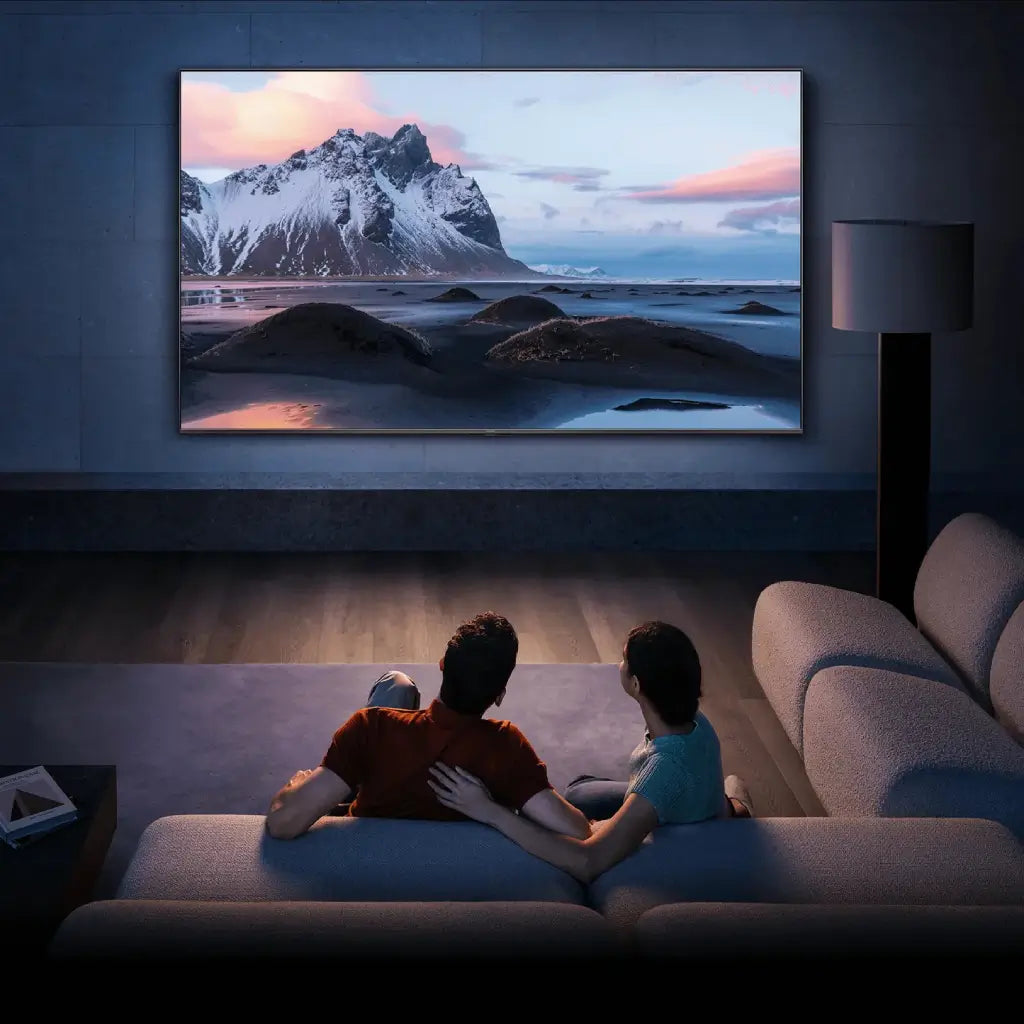
A 100-inch TV has a screen width of about 87.2 inches and a screen height of about 49.0 inches. The full TV body, including bezel and stand, is usually wider and taller than these numbers.
Most 100-inch TVs are wider than a standard interior door is tall. For room planning, use the screen math for reference and the spec sheet for the real footprint.

100-Inch TV Dimensions in Inches, cm, mm, and Feet
The standard 16:9 screen-only baseline for a 100-inch diagonal is 87.2 inches wide by 49.0 inches tall. Here are the main unit conversions in one place:
| Measurement | Width | Height |
| Inches | 87.2 in | 49.0 in |
| Centimeters | 221.5 cm | 124.5 cm |
| Millimeters | 2,215 mm | 1,245 mm |
| Feet | ~7.3 ft | ~4.1 ft |
These are screen-only numbers. Real outside dimensions vary by model, since the bezel, stand base, and chassis design all add to the total footprint.
Why the Diagonal Is Not the Width
The 100-inch number refers to the diagonal, not the width. That corner-to-corner measurement is how every TV is sized, which is why a 100-inch TV is about 87 inches wide, not 100. Many generic size-chart pages blur the difference between screen-only math and real outside dimensions. Both matter, and they are not the same number.
'100-Inch Class' Doesn't Always Mean a 100-Inch Screen
"100-inch class" is a marketing category. The actual diagonal of a class-labeled TV may be slightly smaller or slightly larger than the label suggests. Real-world 100-inch-class TVs vary because screen class, bezel design, stand depth, and actual diagonal are not always the same.
True 100-inch flat-panel TVs are a much smaller product category than 85-inch or 98-inch options, so size-class comparisons matter more here than they do at smaller sizes. A TV labeled "100-inch class" by one brand may measure 98.5 inches diagonally while another hits 100.3 inches.
What Real 100-Inch-Class TVs Measure in the Room
Screen math gives you a starting point. What actually affects planning is the full unit: chassis width, stand height, depth with the base attached, and how much floor space the feet occupy.
The table below reflects planning ranges from current flat-panel LCD and QLED models in this size class. Exact numbers vary by model, so always check the manufacturer's spec sheet before finalizing furniture or mount choices.
| Spec | Typical Planning Range |
| Outer width (without stand) | 88–92 in |
| Height with stand | 57–65 in |
| Depth with stand | 12–22 in |
| Stand foot span | 40–75 in (varies widely; narrow-foot models sit at the lower end, wide-spread bases can span 65–75 in) |
| Weight without stand | 95–160 lbs |
Methodology note: planning ranges above are compiled from current retail specs for flat-panel LCD and QLED models in the 100-inch class. They are not fixed manufacturer standards. Always verify against your specific model's spec sheet.
Stand foot span is one of the more overlooked numbers. Two TVs with similar outer chassis widths can have dramatically different stand configurations. One may use narrow centered feet; another may have a wide-spread base that spans 70 inches or more. That difference alone can make an otherwise appropriately sized console unusable.
Which Numbers Matter Before You Buy or Install
For setup planning, the most important numbers are the TV's outside width, stand footprint, depth, weight, and carton size. The marketed diagonal tells you almost nothing about whether your room, furniture, or delivery path will work.
Two TVs with similar screen sizes can still need very different furniture because their feet span and base depth can differ sharply. Pull the full spec sheet before committing to a console or mount. The diagonal is just the starting point.
Laser TV or Projector? The Planning Is Different
Some buyers consider a laser TV or ultra-short-throw projector as an alternative to a flat panel at this size. If that is your setup, the planning requirements are different.
With a UST projector, the unit sits on the cabinet and throws the image forward and upward onto a screen or wall. Cabinet depth, airflow, and projector placement matter more than TV stand footprint. A low-profile cabinet can work here only if it fits the projector's depth and ventilation needs, not just for visual balance. Check the projector's throw distance spec against the cabinet height before buying.

How Much Room Does a 100-Inch TV Really Need?
Fitting the TV on the wall is not the same as the setup looking balanced in the room. A wall close to 96 inches wide may work on paper for some models, but it often looks cramped and can create cable access or anchor placement issues that make the install awkward in practice.
Bare Minimum vs Comfortable Wall Space
Many 100-inch-class TVs land around 88 to 92 inches wide at the outer frame. Around 96 to 104 inches of clear wall width can be a tight fit, while 100 to 110 inches usually feels more comfortable and better balanced.
The lower range is a bare-minimum planning threshold. The upper range leaves breathing room for furniture placement, cable access, and visual proportion on both sides of the screen.
Viewing Distance and Mounting Height
For a 4K 100-inch TV, about 10 to 12.5 feet suits mixed everyday viewing, while about 8.5 to 10 feet feels more immersive for movies or sports. Higher-resolution displays and theater-style seating can make the closer end easier to live with.
Rooms shorter than 10 feet are usually a hard limit. At that distance, 100 inches starts to feel more like a wall than a screen, and 85 inches gives you about 12 fewer inches of width to work with if the room is borderline.
Mounting height matters more at this size than it does for a 65-inch or 75-inch panel. A small height mistake feels noticeably bigger on a screen this large. Use seated eye level as the anchor for the screen center. The bottom edge often ends up lower than people expect when this is done correctly, which catches some buyers off guard during install.
If you plan to place a soundbar below the TV, account for its height in the gap between the screen's bottom edge and the furniture surface. At this size, that clearance gap is easy to underestimate.
Can Your Current Furniture Handle It?
Furniture built for 75-inch or 85-inch TVs is often too narrow, too shallow, or under-rated for a 100-inch setup. The TV stand size guide covers the general sizing framework. The four checks below focus on what changes specifically at 100 inches, where the margins get much tighter.
Four Things Your Current Stand Needs to Clear
If a current console fails even one of these checks, treat it as a bad fit for a 100-inch setup.
- Usable top width: Check this against the TV's real support footprint, not the marketed size. For many 100-inch flat panels, the outer chassis runs 88 to 92 inches; the surface needs to be meaningfully wider to avoid overhang.
- Feet span and base placement: Confirm the support points land fully on the usable surface with no overhang and no weight concentrated near weak edges. Wide-spread feet on some models can span 70 inches or more.
- Usable depth: Many 100-inch panels with stand attached need around 20 inches of usable depth, though some require more or less depending on the stand design. The exact number comes from the spec sheet.
- Load rating: The rated capacity must exceed the TV's actual installed weight with a comfortable margin. The TV stand weight guide walks through how to read that rating and what margin to budget for.
A current stand works only if it clears all four checks: usable width, support footprint, depth, and load rating.
What Size Furniture Most 100-Inch Setups Need
For many 100-inch setups, the furniture surface needs to be around 90 to 96 inches wide, about 20 inches deep or more, and rated above the TV's actual weight with a comfortable margin. That is a planning target for stand-mounted setups, not a universal rule. Verify against your specific TV's spec sheet before buying.
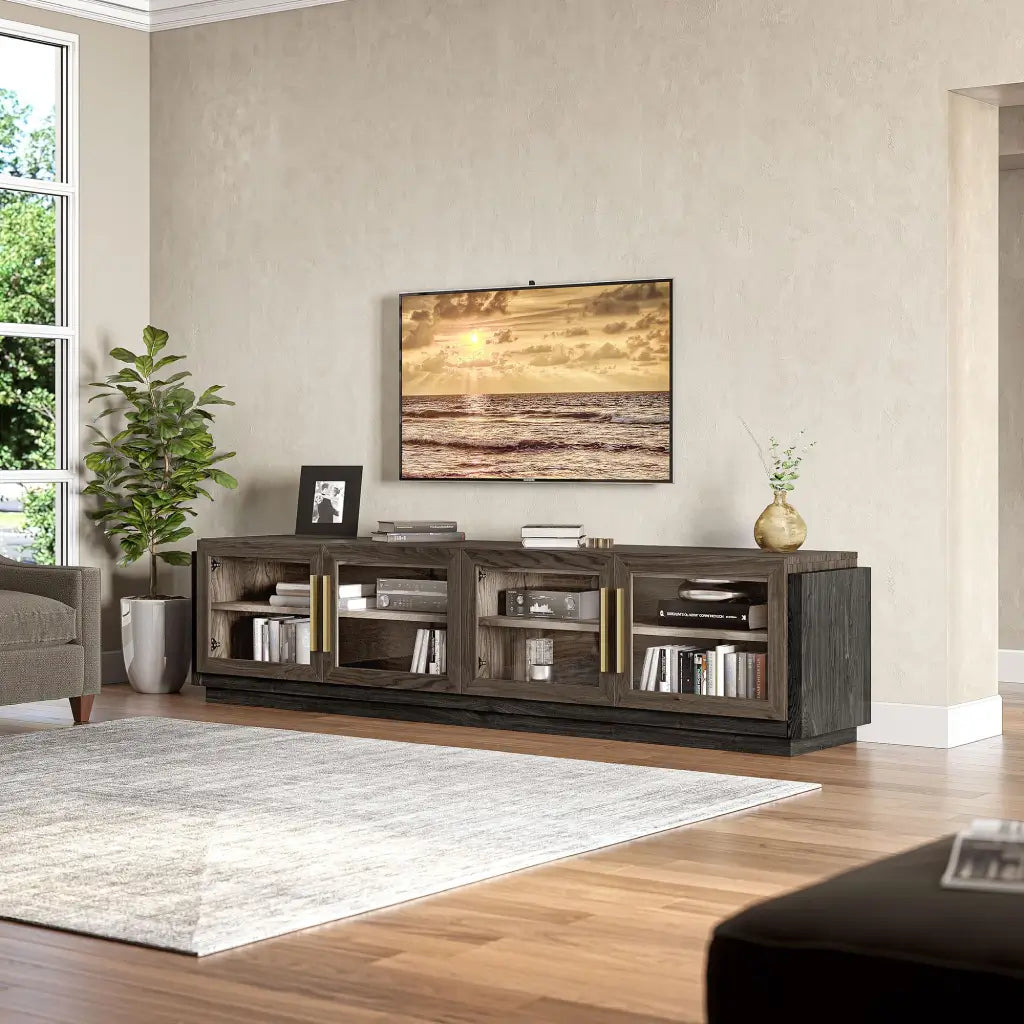
Many standard one-piece consoles are not wide enough, deep enough, or rated heavily enough for a 100-inch setup. Modular entertainment centers become the more practical option at this size, where surface width, depth, and load requirements all push beyond what most single-piece furniture offers. A wall-mounted setup shifts the furniture below from a load-bearing platform into a storage and visual-balance choice, which opens up more options at lower cost.
What Should You Check Before Delivery Day?
For many 100-inch-class TVs, delivery access is the first real fit check, often before wall space or furniture. A setup can fail even when the TV fits the room because the carton may not clear the entry route cleanly.
Box Size, Doorways, and Tight Turns
Carton widths for 100-inch-class TVs typically run 100 to 115 inches. Carton height is usually 58 to 68 inches. Standard interior doors are 32 to 36 inches wide and about 80 inches tall. The carton height usually clears a door when carried upright. The harder problems are the turning radius at hallway corners, stair landings, and elevator interiors.
Before delivery day, walk the full entry route and check each of these:
- Entry door width (32 to 36 inches is typical; carton height usually clears upright, but width can be tight)
- Hallway turns (a 100-inch carton cannot clear most residential corners without a maneuvering plan; US hallways are typically 36 to 48 inches wide)
- Stair landing depth
- Elevator interior depth and door clearance, if applicable
- Open unboxing area near the final room
Weight and Handling Reality
Most 100-inch deliveries need at least two adults, and stairs or tight turns often call for extra help. A 100-inch panel is hard to manage because of size and flex risk, not just the number on the scale.
A screen this large can bow under its own weight if handled incorrectly or laid flat without proper support, which raises the risk of panel damage during the move. Staging space and unboxing method matter as much as raw carrying strength.
Frequently Asked Questions
Can a 100-inch TV fit through a standard doorway?
The carton is usually the bigger obstacle than the bare panel. A standard 32 to 36 inch doorway often clears carton height when the box is carried upright, but hallway turns, stair landings, and limited unboxing space decide whether delivery is practical more often than the door width itself does.
What room size do you need for a 100-inch TV?
For a 100-inch TV, plan for at least 10 to 12.5 feet of viewing distance and 96 to 104 inches of clear wall width at minimum. Rooms shorter than 10 feet or walls narrower than 96 inches are usually too tight for this size class.
How heavy is a 100-inch TV?
Weight varies significantly by model and panel type. Most 100-inch-class flat panels land somewhere between 95 and 160 pounds without the stand. Check the exact spec sheet before trusting a piece of furniture or a wall-mount rating with that number.
Can I use my current TV stand for a 100-inch TV?
Maybe, but only if it passes all four checks: usable top width, support footprint placement, depth with the stand base, and load rating above the TV's actual installed weight. Many existing stands fail on depth or load rating even when a quick visual width check seems fine.
Why is my 100-inch TV listed as 99.5 or 100.3 inches?
Screen class is a marketing category, not a guaranteed measurement. Manufacturers round to the nearest class size, so the actual measured diagonal can land slightly above or below the label. Pull the spec sheet for the exact number.
Which Setup Makes the Most Sense for Most Buyers?
For stand-mounted setups, a wider modular media-wall configuration is often the most practical option at this size. Many one-piece consoles are not wide enough, deep enough, or rated heavily enough to handle a TV this large safely.
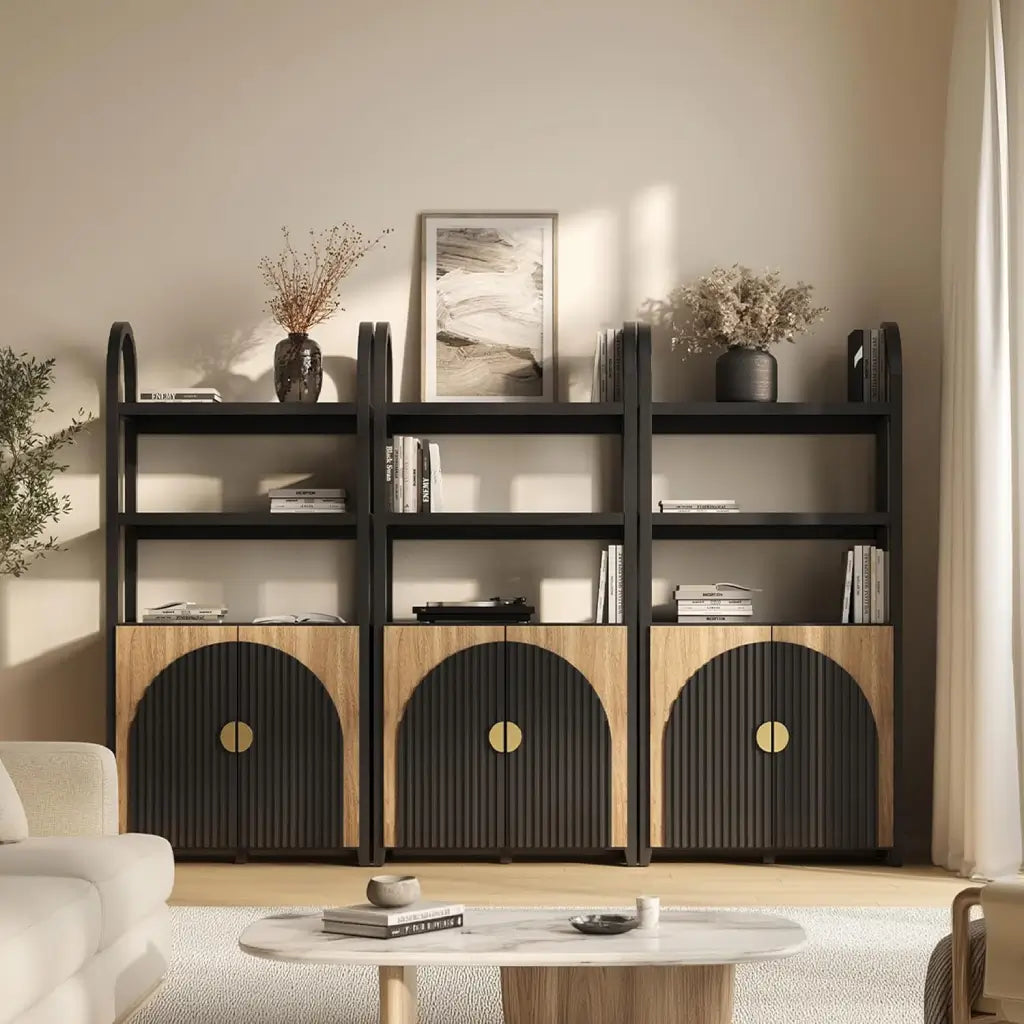
For cleaner proportions and more flexibility below the screen, wall-mounting with a lower, visually broader cabinet underneath is often the better call. The Jagger Modular Wood Arc-Door Sideboards (3-Piece), at 97.5 inches wide, is built for exactly this role: wide enough to match a 100-inch screen's visual footprint, low-profile enough to keep the room balanced, and modular so it adjusts to the space. More options in this style are in the low-profile TV stands collection.

Leave a comment
This site is protected by hCaptcha and the hCaptcha Privacy Policy and Terms of Service apply.