


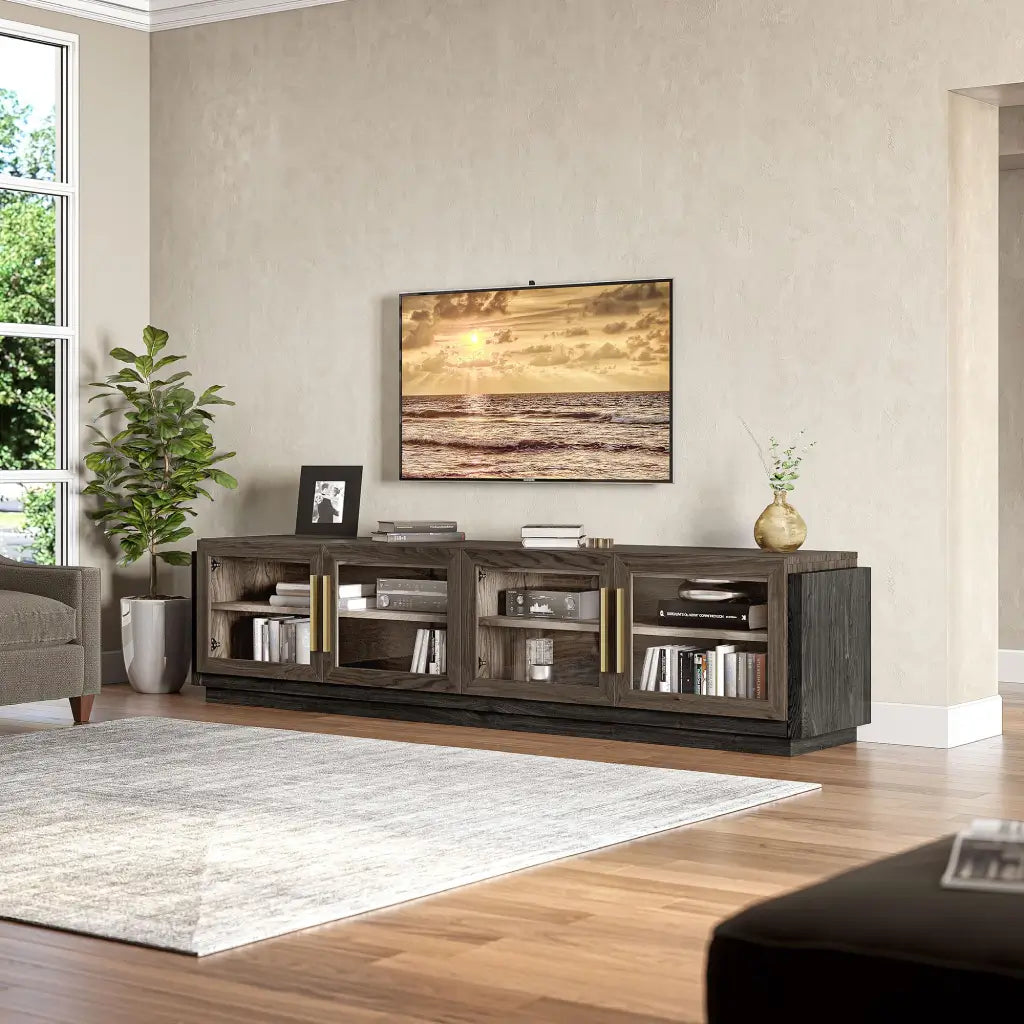
Quick Answer
An 80-inch TV has a screen width of about 69.7 inches (177.1 cm) and a screen height of about 39.2 inches (99.6 cm), based on a standard 16:9 aspect ratio.
- An 80-inch TV is about 69.7 inches wide and 39.2 inches tall in a standard 16:9 screen format.
- Once that 80-inch search turns into the 83- to 86-inch models most stores actually stock, full units in this size class often land about 72 to 76 inches wide, 43 to 47 inches tall, and roughly 12 to 18 inches deep.
- Under 70 inches of stand width is usually too tight, 70 to 74 inches needs model-specific checking, and 75 inches or more is often the safer starting point.
80-inch TV dimensions usually matter for one reason: you are trying to see if a very large screen will actually fit your room and furniture. The label sounds simple, but the real decision is usually about width, stand fit, and whether nearby sizes make more sense.
You get the screen math first, then a practical stand check, then the safest next step when the setup looks tight.
80 Inch TV Dimensions in Inches and CM

An 80-inch TV screen is large, but the diagonal label still hides the numbers that matter for your wall, cabinet, or console.
| Measurement | Inches | CM | Approx. Feet |
| Screen width only | 69.7" | 177.1 cm | 5.8 ft |
| Screen height only | 39.2" | 99.6 cm | 3.3 ft |
| Diagonal | 80" | 203.2 cm | 6.7 ft |
These numbers describe the visible screen only, not the full TV body or the stand footprint.
Methodology note: screen-only figures are based on standard 16:9 TV math, while full-unit dimensions vary by model and should be checked on the product spec sheet.
Screen-only size for a 16:9 TV
The 80-inch label refers to the diagonal, not the horizontal width that decides whether the TV fits. For a standard 16:9 screen, that works out to about 69.7 inches wide and 39.2 inches tall.
In metric terms, that is about 177.1 cm wide and 99.6 cm tall. In feet, the screen is just under 5.8 feet wide and about 3.3 feet tall. That answers the plain how wide, how tall, in cm, and in feet intent quickly.
What changes once you include the stand
Once you count the bezel, lower frame, and stand, the full unit gets a little larger. That is why buyers who think the width looks fine on paper still run into trouble when the feet land too close to the edge or the stand is too shallow.
For planning, it helps to separate screen math from current shopping reality. Once that 80-inch search turns into the 83- to 86-inch models many stores actually stock, full units in this size class often land about 72 to 76 inches wide, 43 to 47 inches tall with the stand, and roughly 12 to 18 inches deep.
- Overall width affects wall fit and visual balance on the console.
- Overall height affects eye level and soundbar clearance.
- Depth with stand often decides whether a shallow top still works.
Foot spacing and stand depth often cause more fit problems than weight, but weight still matters for cabinet safety. A tight paper fit means the exact model spec sheet should decide it.
Can Your Current TV Stand Handle an 80-Inch TV?
Your current stand usually passes only when it gives the TV enough width, enough depth, and full support under the feet or center base.
| Your stand top width | What it usually means for an 80-inch TV |
| Under 70" | Usually too narrow |
| 70" to 74" | Possible only with careful model-specific checking |
| 75" to 79" | Often workable if feet spacing and depth check out |
| 80"+ | Usually gives a safer support and visual margin |
What to measure on the TV first
Use this three-number checklist before you assume the current setup works:
- Full TV width
- Foot-to-foot width
- Depth with stand
A setup that looks close enough often fails when the feet land near the edges or the base pushes too far forward. A tight paper fit deserves one more measurement, not a guess.
When a current stand usually passes or fails
- A top surface that is several inches wider than the TV, with both feet fully on the platform, usually means the current stand works.
- Tight clearance or feet that span wider than the platform means it is time to move into a wider stand category.
Real rooms fail in practical ways. Shallow tops crowd the feet, soundbars block the lower screen, wall clearance gets tight, and edge-mounted feet leave no margin. The stand label matters less than the real support area.

How Wide Should a TV Stand Be for an 80-Inch TV?
Use the TV's actual full width, not the 80-inch label, and choose a stand that is visibly wider and fully supports the feet or center base.
The safest width rule to use
For many rooms, a stand that is about 4 to 12 inches wider than the TV looks and works better than a nearly flush fit. It is a starting point, not a guarantee. Wide-set feet, deeper bases, and larger 83- to 86-inch models can push you toward the upper end fast.
A broader sizing framework is in this TV stand size guide once the basic rule is clear.
What kind of TV base are you working with?
Wide-set feet usually push you into wider tops and more generous margins. They are common on big screens, and they are the main reason an okay-looking console still fails the real fit check.
A center pedestal opens up more options, but depth and centered support still matter. A wall-mounted TV turns the furniture below into a storage, soundbar, and visual-balance decision more than a structural one.
- Wide-set feet: safer on wider tops
- Center pedestal: more flexible, but still check depth
- Wall-mounted TV: prioritize balance, storage, and soundbar space
The 3 numbers to check before you buy
Those same three numbers tell you more than the box label does. Full TV width tells you how much visual margin you have, foot-to-foot width tells you whether the support points actually land on the top, and depth with stand tells you whether the setup will feel cramped or front-heavy.
Before you buy, verify width with stand, foot spacing or stand width, depth, weight, and VESA pattern on the exact model page. Borderline fit usually means browsing wider stand categories instead of forcing a narrow one.
How Much Room Does an 80-Inch TV Need?
An 80-inch TV usually feels best when the room gives it enough viewing distance and enough breathing room around the screen so it does not look crowded.
Viewing distance and wall space
For many homes, about 8 to 11 feet is a comfortable range if you prefer a less aggressive view or still watch plenty of 1080p content. With 4K content, many people sit closer.
Wall space matters too. A screen this large looks better when it has a little room on both sides instead of being pressed against shelves, door trim, or tall nearby furniture.
If you're wall-mounting instead
Wall-mounting changes the question from can the stand support the TV to how much wall space, clearance, and storage balance you need below it. The screen still needs enough room to breathe and enough height control to stay comfortable, and VESA pattern, mounting height, and total weight all need to be checked on the exact model.
- Leave visual breathing room on both sides of the screen
- Keep the center of the screen near seated eye level
- Check the VESA pattern and full-unit dimensions before mounting
The wall-mounted look works better with lower-profile storage underneath, and these low-profile TV stands keep the setup calmer and less top-heavy.
When 80 inches feels too big or just right
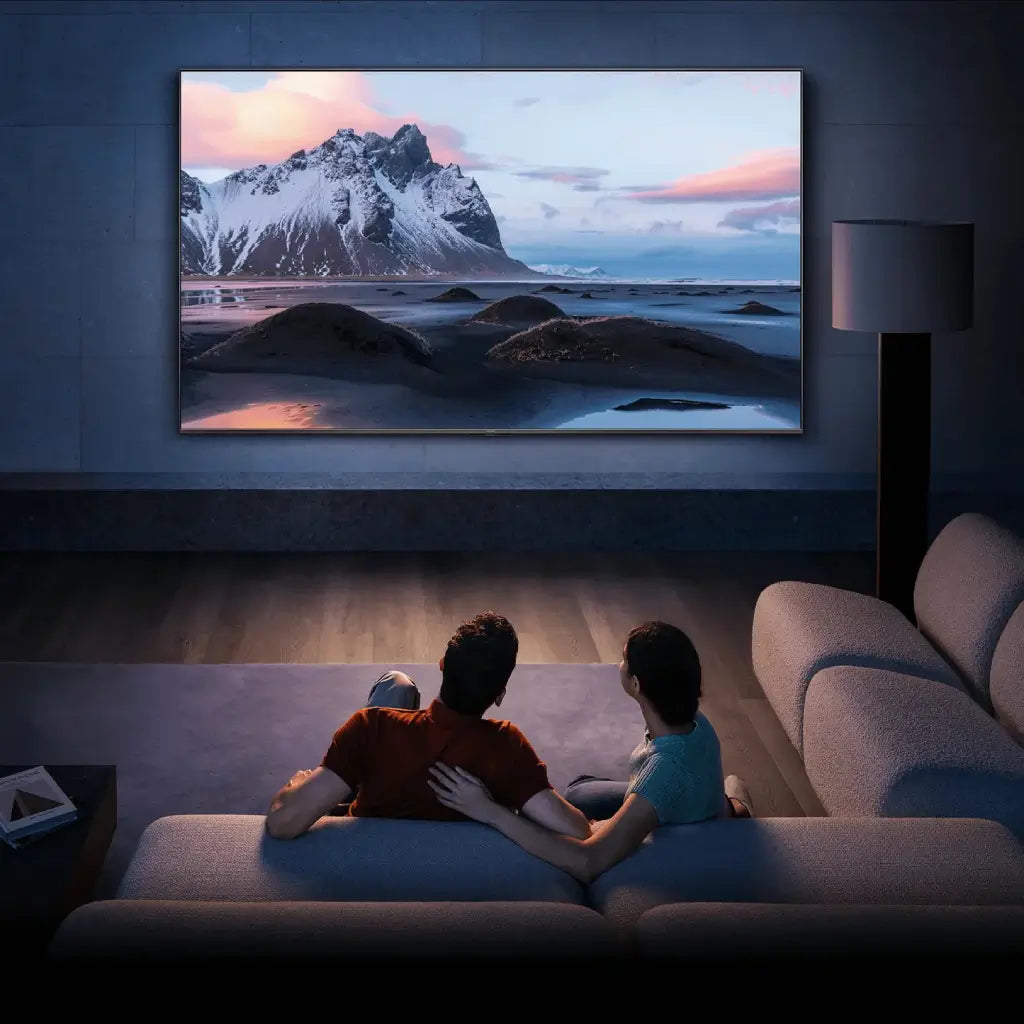
In a smaller living room, an 80-inch TV can dominate the wall and crowd nearby furniture fast. In a standard living room, it often works well if the console is wide enough and the seating is not too close. In a larger or open layout, it reads more like a clear visual anchor.
- A lower-profile stand helps a very large screen feel less top-heavy.
- A wider modular layout helps the TV feel integrated on a broad wall.
- A couch under 8 feet away may be asking for a smaller screen.

Why "80 Inch TV" Often Turns Into a 75-, 83-, 85-, or 86-Inch Decision
"80 inch" is often the planning term, not the final purchase size. Once people start shopping current lineups, they usually end up comparing nearby 83-, 85-, and 86-inch sizes that are easier to find.
Why shoppers use 80 inches as the comparison point
For many buyers, 80 inches feels like the middle ground between still manageable and full home-theater big. It is large enough to raise real furniture questions, but it still sounds easier to place than an 85-inch screen.
As of April 15, 2026, official large-screen lineups and current TV roundups more often surface 83-, 85-, and 86-inch models than exact 80-inch options. That makes 80 inches a useful planning size, even when the shelf reality leans nearby.
What changes for your room and furniture as you move up
The size jump looks modest in search results, but the furniture consequences change quickly.
- At 75 inches, screen width is about 65.4 inches, so narrower consoles and tighter walls are easier to work with.
- At 80 inches, screen width is about 69.7 inches, and many setups start needing stand widths in the mid-70s or more.
- At 83 inches, screen width is about 72.3 inches, so wall space and furniture fit get a little tighter.
- At 85 to 86 inches, screen width is about 74.1 to 74.9 inches (screen only, not including the frame or stand), and 80-inch-plus stand categories usually become the safer browse path.
A tight room usually points toward this piece on dimensions of a 75-inch TV. A bigger-screen lean is easier to judge with this breakdown of how wide an 85-inch TV is.
Which TV Stand Style Works Best for an 80-Inch-Class TV?
Once the dimensions are clear, the best stand style depends on how tight the fit is and how much wall space you have on either side.
When an 85-inch stand category is the safer browse path
Shopping by stand category is usually easier than searching for an exact 80-inch stand label. Near the upper end of this size class, a wider console with a little breathing room is usually the safer move.
One concrete example is the 76" Fluted Doors Curved Modern Fireplace TV Stand. It gives this size class a more comfortable support window than a nearly flush setup.
When a modular setup makes more sense
On a broad wall, a single console can leave a very large screen looking isolated. That is where modular entertainment centers make more sense. They add storage, spread the visual weight, and help a big TV feel designed into the room instead of dropped onto one long shelf.
FAQ
How wide is an 80-inch TV in feet?
An 80-inch TV screen is about 5.8 feet wide. The full TV is usually a little wider once the frame and stand are included.
Can I use a 75-inch TV stand for an 80-inch TV?
A 75-inch stand is not the safest default for an 80-inch TV, but it can work when the TV uses a center pedestal or narrower feet and the depth is enough.
Is an 80-inch TV too big for a small living room?
An 80-inch TV can feel too large in a small living room, especially when seating is under 8 feet away or the wall is already crowded. In smaller rooms, 75 inches is often the easier fit.
Should I look for an 80-inch TV, or just compare 83- and 85-inch models?
Shoppers still use 80 inches as a planning term, but current lineups more often push you toward 83-, 85-, and 86-inch models. Compare those before you buy.

Leave a comment
This site is protected by hCaptcha and the hCaptcha Privacy Policy and Terms of Service apply.