


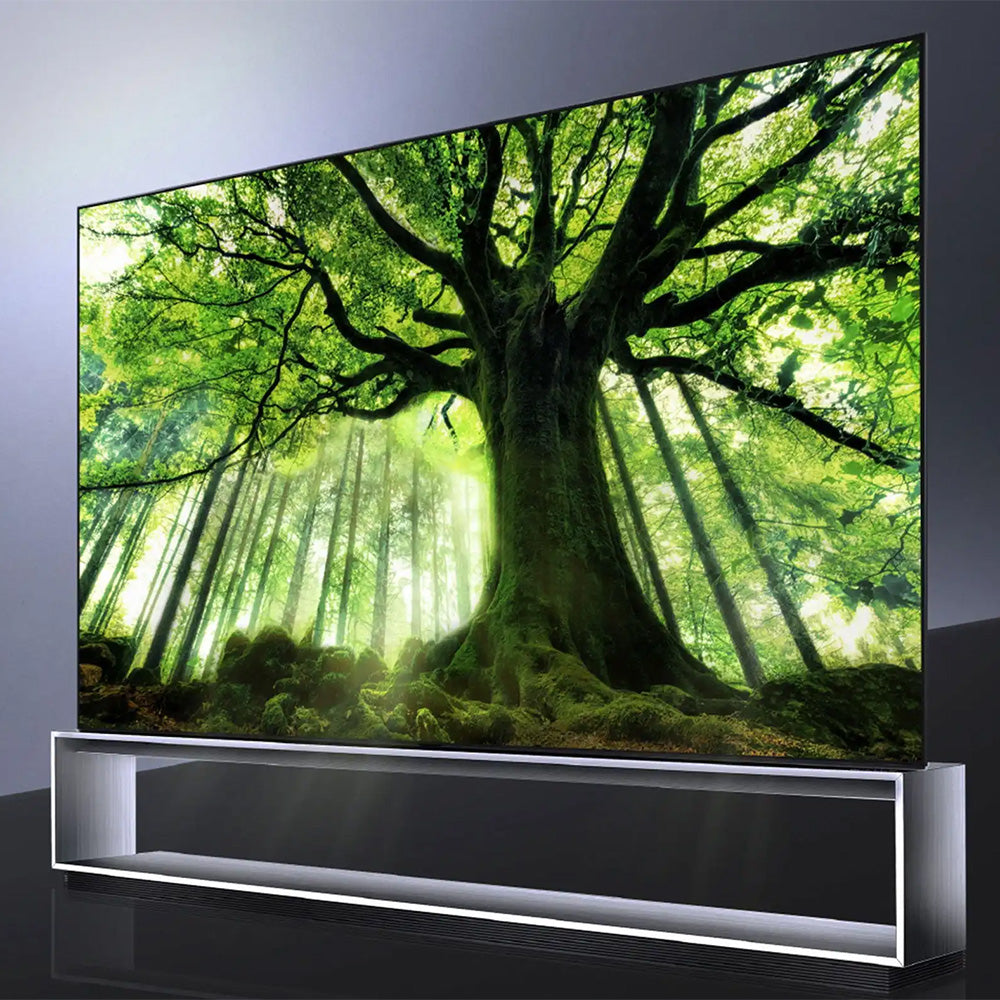
A 75-inch 16:9 screen is about 65.4 inches wide. Use the dimensions below to compare the screen with the actual TV size and check your wall space or TV stand.
75-Inch TV Dimensions: Screen vs. Actual TV Size
TV size refers to the diagonal screen measurement. On a 16:9 TV, a 75-inch screen measures about 65.4 inches wide by 36.8 inches tall (166 x 93.4 cm).
Manufacturers list different dimensions for each model. Check the width, height, and depth with and without the stand before you measure wall space, a cabinet opening, or a TV stand. Confirm the base or feet spacing.
| Measurement | Size or Requirement | What to Check |
| Screen Diagonal | 75 in (190.5 cm) | Advertised screen size |
| 16:9 Screen Width | ~65.4 in (~166 cm) | Calculated screen width only |
| 16:9 Screen Height | ~36.8 in (~93.4 cm) | Calculated screen height only |
| TV Without Stand | Varies by model | Overall W × H × D in the manufacturer's specifications |
| TV With Stand | Varies by model | Overall W × H × D plus base or feet spacing |
How to Choose the Right TV Stand for a 75-Inch TV
Now that you know the TV's dimensions, the next critical step is choosing a stand that's both safe and stylish. This is where most people make mistakes, and it's the most important decision for your new entertainment centerpiece.
The Golden Rule for TV Stand Size
A 70-inch-or-wider cabinet leaves room around a typical 75-inch TV and space for small accessories. Before buying, compare the TV's full width, feet spacing, base depth, and weight with the stand's usable top surface and rated capacity.
The entire base or both feet should rest on the stand. Follow the TV and stand manufacturers' instructions for anti-tip hardware or mounting.
While these rules are tailored for 75-inch TVs, you can learn the principles for all screen sizes in our complete and comprehensive TV Stand Size Guide.
Belleze TV Stands to Consider for a 75-Inch TV
Compare these stands with your TV's full width, feet spacing, base depth, and weight before choosing one:
For a Warm, Mid-Century Modern Look: The Belleze Bower 68" Mid-Century Modern Rattan Door Fireplace TV Stand

For a Modern Feel with Ambiance: The 79" White Electric Fireplace TV Stand

Key Factors When Choosing Your Stand
Size and Fit
Choose a stand about 20% wider than your TV to accommodate the bezel, improving both appearance and stability. Position the stand so the center of your TV screen aligns with eye level when seated for optimal viewing comfort. Ensure the stand is deep enough for your TV's base, plus extra space behind for cable management.
Materials, Style, and Color
Your stand's material affects both style and durability. Common options include solid wood, MDF (medium-density fiberboard), metal, and glass. Solid wood farmhouse TV stands offer strength and rustic charm, while MDF and glass cabinets create a modern, clean look.
Don't rush your color and design choice. Your TV stand should complement your existing sofas, rugs, and wall colors to maintain a harmonious look throughout the room.

Functionality and Storage
If you have gaming consoles, media players, or DVD collections, look for stands with sufficient drawers, cabinets, or shelves. Good ventilation prevents equipment overheating, while built-in cable management keeps everything tidy.
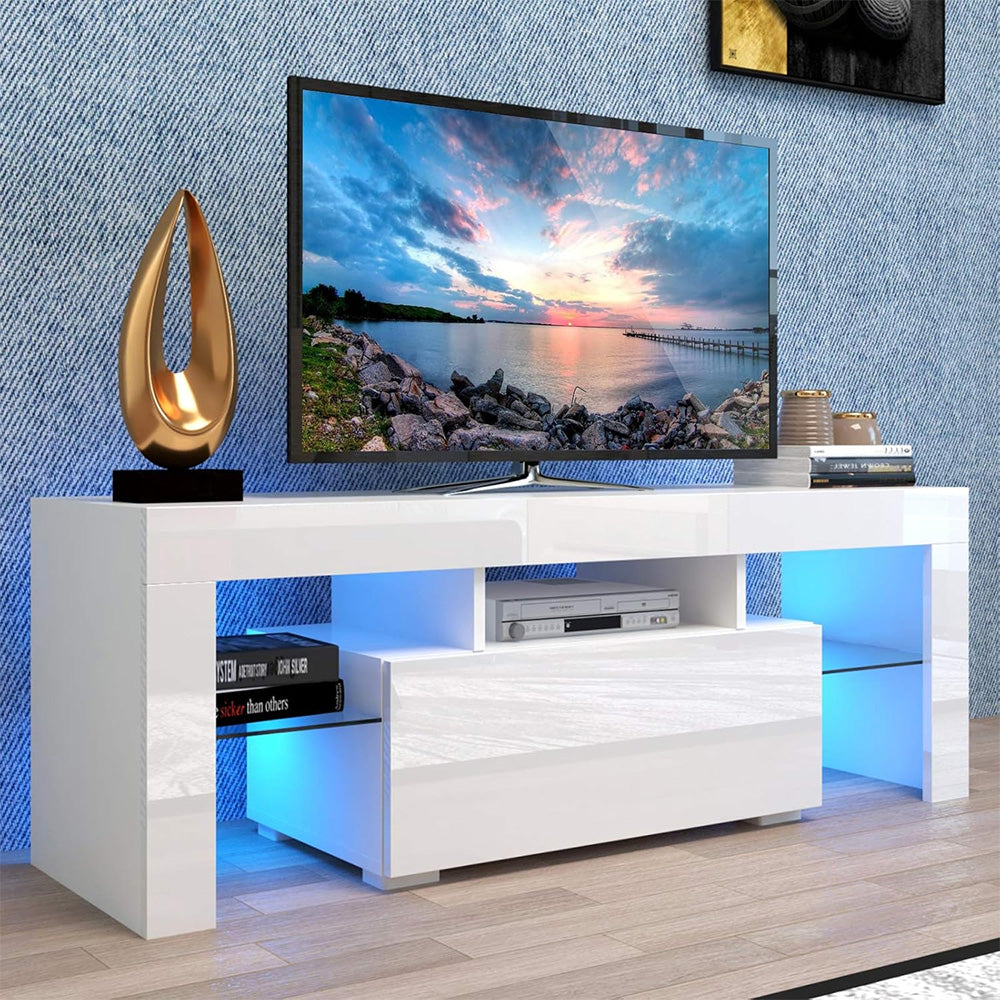
Some stands, like the Belleze Entertainment Modern TV Stand, feature built-in RGB LED lighting with music synchronization, adding ambiance to your space through different lighting effects that respond to your music's rhythm.
How Far Should I Sit From My 75-inch TV?
For a 75-inch TV, the best viewing distance is between 9.4 to 15.6 feet (2.9 to 4.75 meters). This range is about 1.5 to 2.5 times the diagonal screen size.
At this distance, you can:
- See the full picture clearly without constantly turning your head
- Experience better immersion in what you're watching
- Reduce eye strain during longer viewing sessions
If you have a 4K or higher resolution TV, you can sit a bit closer to appreciate all the fine details in the picture. Position your TV to avoid glare and reflections from windows and lights. This prevents eye strain and ensures good visibility whether you're watching during the day or at night.
Consider adjusting your seating based on what you're watching:
- Movies: Sit farther back for a theater-like experience
- Sports or TV shows: Move closer to feel more involved in the action
Taking everyone's comfort and viewing habits into account will help create the best viewing experience for the whole family. Find a distance that works for most situations, but be flexible when needed.
Understanding the Details: How TV Dimensions are Calculated
When you hear "75-inch TV," that's the diagonal measurement - from one corner to the opposite corner. This standard measurement helps you visualize the TV in your room. To find the actual width and height, we need to do some simple math based on the 16:9 aspect ratio used in modern TVs.
Measuring the Diagonal & Aspect Ratio
TV size is measured diagonally and doesn't include the bezel (frame). Most modern TVs use a 16:9 aspect ratio, which tells you how wide the screen is compared to its height.
Calculating Width and Height
Using the Pythagorean theorem, the formulas are:
- Width = (Diagonal ÷ √(16² + 9²)) × 16
- Height = (Diagonal ÷ √(16² + 9²)) × 9
For a 75-inch TV, this gives you a width of about 65.4 inches and a height of 36.8 inches.
The Impact of the Bezel
Remember that these calculations only cover the screen size. The total TV size includes the bezel, which varies between brands and models. Always check the specific product specifications before buying.

Comparing 75-Inch TVs to Other Sizes
Many people struggle to visualize how big a 75-inch TV actually is before it arrives.
To help you picture it: A 75-inch TV is roughly 5.5 feet wide. That is wider than a standard loveseat and about as wide as a typical 3-seater sofa.
Here is how it compares to other popular sizes:
- Vs. 65-inch: The 75-inch model gives you about 33% more screen area. It is a noticeable jump that makes 4K movies feel much more like a theater experience.
- Vs. 85-inch: An 85-inch TV is massive and often requires a dedicated media room. A 75-inch TV hits the "sweet spot"—it is huge enough to impress but still fits comfortably in most average-sized living rooms.
What to Look for When Buying a 75-inch TV?
Before you buy, consider these key factors to ensure your new TV fits perfectly in your space and matches how you like to watch.
- Room Size and Layout: Ensure your room can fit a 75-inch TV with enough viewing distance (9.4-15.6 feet). If wall mounting, verify you have enough width for both the TV and its hardware, leaving space for ventilation.
- Display Technology: Choose between affordable LED, high-contrast OLED (great for dark rooms), or bright and vivid QLED TVs.
- Resolution: Look for 4K or 8K resolution and HDR support for the best color and contrast.
- Placement and Mounting: For wall mounting, position the center of the TV at eye level when seated. If using a stand, ensure it's sturdy and complements your room's style.
- Sound System: Plan to add a soundbar or home theater system to match the TV's impressive visuals with equally impressive audio.
- Connectivity: Check for enough HDMI, USB, and other ports to connect all your devices.
Conclusion
To sum it up, a 75-inch TV screen is about 65.4 inches wide and needs a TV stand that is at least 70 inches wide for optimal safety and style.
Always check the specific measurements for the TV model you want, as bezels can vary. By planning your space and choosing the right stand, you ensure your new big-screen TV fits perfectly and provides the best possible viewing experience.
Frequently Asked Questions
How Do I Ensure that my 75-inch TV is Properly Secured?
Well, ensure you use a VESA-compliant wall mount or TV cabinet fitting the weight and dimensions of your TV.
How do I Check the Picture Quality of a 75-inch TV?
Check the sharpness, color saturation, and contrast of your TV when playing high-resolution video content before buying it, particularly when it comes to playing 4K or HDR content.
One should see whether the picture is clear and sharp, whether colors are vivid and rich, and whether details in dark scenes are distinguishable. It is also advisable to check the picture quality by viewing the TV from different angles.
What is the recommended mounting height above a wall for a 75-inch TV?
The wall height for mounting a 75-inch TV is supposed to make sure the middle of the TV rests on a point equal to the viewer's eye level. That is within 42–48 inches or roughly 107–122 centimeters.
Your exact mounting height will also need to be tailored to your space layout and the viewer's angular needs to achieve the most comfortable viewing experience.

Leave a comment
This site is protected by hCaptcha and the hCaptcha Privacy Policy and Terms of Service apply.