


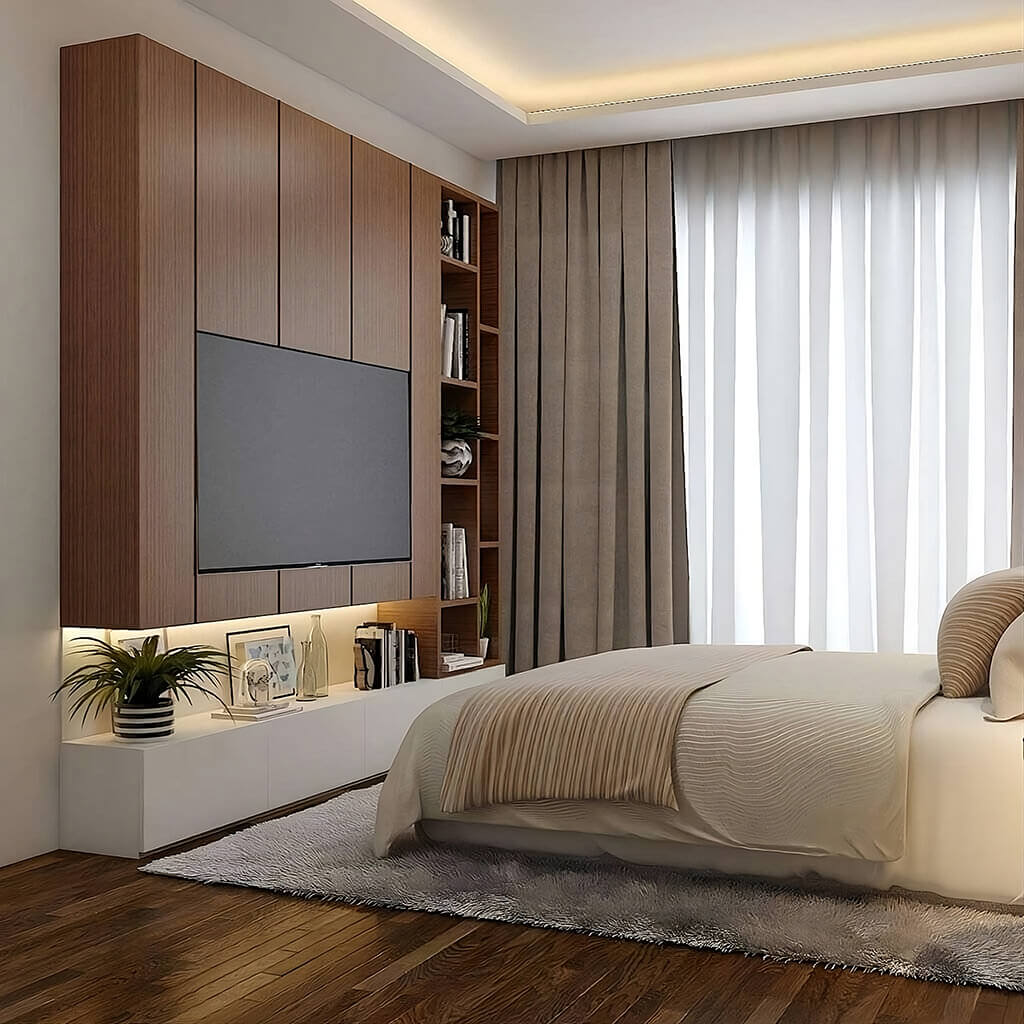
You already have a TV in your bedroom. We're not here to debate whether that's a good idea. Instead, let's talk about where to put it.
Bedrooms work differently than living rooms. You're usually watching from about 6 to 8 feet away, not across a large open space. And you're often lying down or propped up against pillows.
That reclined viewing angle changes everything. Standard living room placement rules don't apply here. Your bedroom needs its own approach.
Option 1: Using a Dedicated Bedroom TV Stand

A TV stand is furniture designed specifically for electronics. It sits lower and wider than a dresser, with open shelves that allow air to circulate around your devices. This setup suits bedrooms with more floor space, heavier TVs, or gaming consoles that produce heat and need ventilation.
Choose a TV Stand If You Have These Needs
Screens larger than 50 inches require a wider base. Most dressers simply aren't built to support that size safely. A dedicated stand provides the surface area and stability your setup demands.
Gaming systems and cable boxes generate heat during use. Open shelving lets air flow freely around these devices. Dressers, by contrast, trap warmth inside closed compartments.
For gamers or large-screen owners who need sturdiness and airflow, a bedroom TV stand offers the right foundation.
Advantages of a TV Stand
Built-in cable holes and channels keep wires organized and out of sight. Dressers leave cords dangling down the back for everyone to see.
Most stands measure around 30 inches tall, placing the screen at a comfortable height for bed viewing. The proportions tend to work naturally with standard mattress heights.
A stand wider than your TV creates visual balance. It frames the screen and prevents it from dominating the wall or looking top-heavy in the room.
Placement in the Room
The foot of the bed remains the classic position. It provides a direct, straight-on view without any neck twisting. Allow at least 30 inches of clearance between your bed and the stand. That space lets you walk past comfortably, even in the dark.
Option 2: Placing the TV on a Dresser

Most bedrooms already have a dresser, making this the most practical and budget-friendly route. You're working with furniture you own.
The appeal is simple: one piece handles both clothing storage and media support. For smaller rooms, a dresser doing double duty can free up valuable floor space.
Height and Ergonomics
A standard double dresser stands between 30 and 36 inches high. That range tends to hit the sweet spot for watching TV while lying down. Tall chests create problems. A highboy dresser (45 to 55 inches) positions the screen too high. You'll tilt your head upward, and over time, that strains your neck. Lower dressers work better for bedroom viewing.
Stability and Safety
Adding a TV shifts a dresser's center of gravity upward. Opening a drawer pushes the weight forward, increasing tip-over risk. The solution is straightforward. Secure the dresser to the wall with furniture anchors, and fasten the TV to the dresser surface. A few minutes of setup prevents serious accidents.
Dresser vs. TV Stand: Key Differences
- Cable management requires creativity. Dressers lack built-in holes. Adhesive clips or external cable channels can keep cords tidy.
- Electronics may overheat. Tucking devices inside drawers blocks airflow. Dressers are built for fabric, not heat-generating tech.
- Remote signals face obstacles. Thick wood or decorative fronts can interfere with your remote if you hide equipment inside.
- Media chests offer a middle ground. These hybrid pieces feature an open top shelf for electronics with drawers below—combining the best of both options.
Quick Tip: Test the Setup
Before making a final decision, cut cardboard to match your TV's dimensions. Place it on the dresser and lie in bed. If your neck feels relaxed, you've found the right height.
Option 3: Wall-Mounting the TV to Save Space

Mounting a TV on the wall removes furniture from the equation entirely. In small bedrooms, that freed-up floor space can make a noticeable difference in how the room feels and functions. The look is clean and modern. Surfaces stay open for lamps, books, or decorative pieces instead of holding electronics.
Position and Height
Your eyes naturally rest at a certain point when you're lying back against pillows. The center of the screen should meet that spot—typically a bit higher than you'd mount in a living room.
Start with the screen's center about 43 inches from the floor. From there, adjust based on your bed height. Lying down and measuring from floor to eye level gives you the most accurate placement.
Use of Tilt or Swivel Mounts
High placements call for a tilting mount. Angling the screen downward cuts glare and keeps the viewing angle comfortable. Full-motion mounts add flexibility. If your bed sits off-center from the wall, you can pull the TV out and swivel it to face you directly.
Mounting Logistics
Studs are essential. Drywall alone won't safely hold a TV on an articulating arm. Cord management deserves attention before drilling. In-wall power kits or paintable cord covers maintain the streamlined aesthetic. Visible wires undermine the whole point of going wall-mounted.
Small Bedrooms
A mounted TV opens up vertical possibilities. You can tuck a low desk or bench underneath without blocking your view. Keeping the floor visible makes compact rooms feel more spacious.
Glare and Lighting
Avoid mounting opposite a window. Direct sunlight washes out the screen during daytime viewing. Blackout curtains solve this if you have no other wall to work with. LED strips behind the TV create soft ambient light. They ease eye strain in a pitch-dark room.
Wall-Mount with Furniture Combo
A floating TV can look disconnected. Placing a low console beneath it anchors the screen visually and provides storage for remotes and devices.
Option 4: Other Creative Placement Ideas
Not every bedroom has an obvious TV spot. Awkward angles, multiple windows, or a bed facing a closet can complicate matters. These alternatives address tricky layouts. They also suit anyone who prefers technology to stay in the background rather than dominating the room.

At the Foot of the Bed
TV lift cabinets conceal the screen inside furniture. The TV rises only when you're ready to watch. It's a smart choice for keeping bedrooms calm and tech-free. In larger suites, a simple bench at the foot of the bed can support a smaller TV.
In a Corner of the Room
Corners often sit empty. A corner unit or swiveling wall mount transforms that unused space into a viewing area. You can angle the TV away when it's not in use.
Above a Desk or Vanity
A smaller TV (32 to 43 inches) mounted above a workspace pulls double duty. It functions as a monitor during the day and entertainment at night—eliminating the need for a separate media console.
Inside a Cabinet or Closet
An armoire with doors lets technology disappear completely. Close the doors, and the screen is out of sight. Ensure the cabinet allows airflow to prevent overheating. A pull-out mount keeps the screen accessible rather than recessed in shadow.
Gallery Wall Camouflage
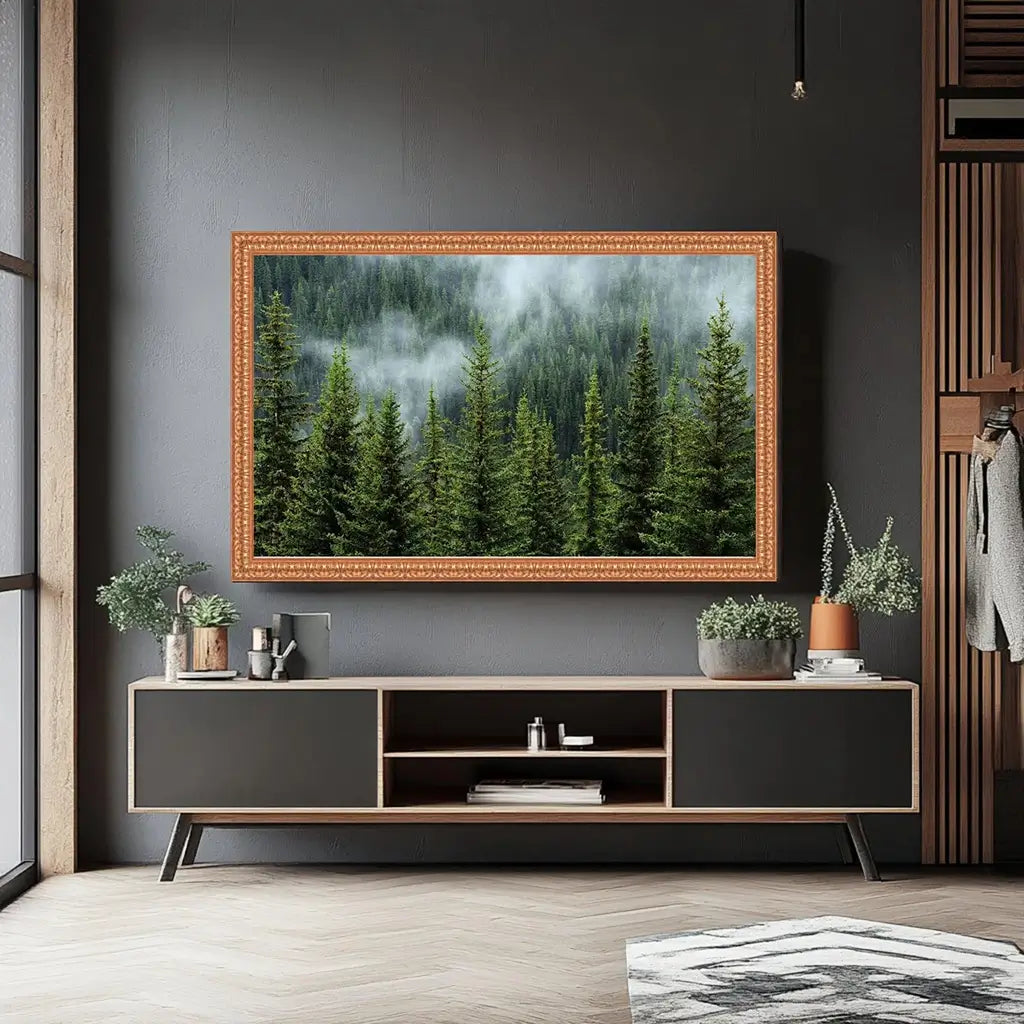
Surrounding the TV with black-framed art helps the dark screen blend into a larger composition. Frame TVs take this further by displaying artwork when turned off.
Small Bedroom Tips
Bulky corner stands consume valuable floor space. Wall mounts or high shelves keep things compact. Size matters in tight quarters. A 43-inch screen or smaller prevents the room from feeling overwhelmed.
Final Thoughts
The best TV placement strikes a balance between viewing comfort, storage needs, and clear walkways. Each element plays a role in how the room functions day to day.
A dresser setup can work beautifully in one bedroom while a wall mount transforms another. Your room's layout and personal habits should guide the decision. The right choice is the one that fits your space.
Related Reading:


Leave a comment
This site is protected by hCaptcha and the hCaptcha Privacy Policy and Terms of Service apply.